RS232 cable. Some projector models may require a converter cable in
addition to this standard RS232 cable to connect to the projector control
port, for the pin locations and shape of some projectors‟ control port
connector may be different from the connector of a standard RS232 cable.
Once the visualizer is connected to the projector, you can control the
projector‟s power on, standby and input selection by using the visualizer.
(Aside from Hitachi projectors, the Code Writing program that comes with
the visualizer is required to access this function.)
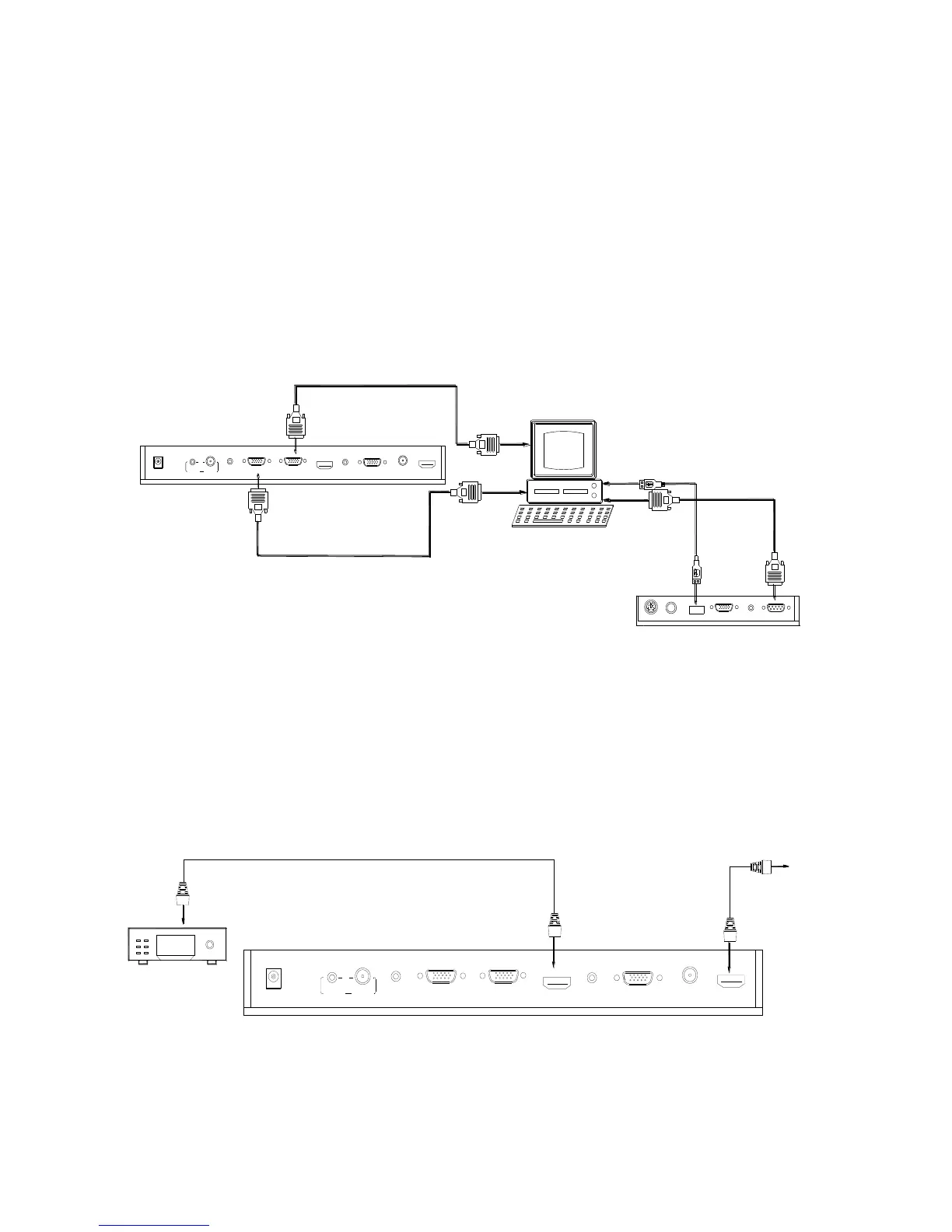
Step 3: Connect to a desktop computer.
Note: You can connect a laptop computer to the RGB IN port of side panel
using a RGB cable.
Step 4: Connect to the HD equipment with HDMI input.



 To Next Page