20 Rabbit Air - 21
Cleaning MinusA3
and Pre-Filter
Always power o your air purier before
cleaning.
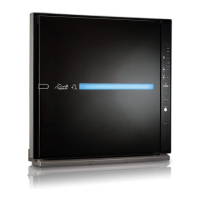
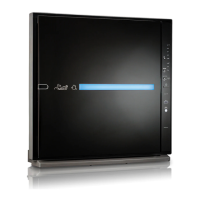
Cleaning the MinusA3
Use a damp cloth to remove stubborn stains
and dirt buildup if necessary. Avoid commer-
cial cleaning products.
1. Use a clean, dry cloth to wipe the exter-
nal surfaces of the air purier. The air
quality of a room will dictate how often
you should clean the unit surface.
2. Clean the air intake and outlet with a
soft brush.
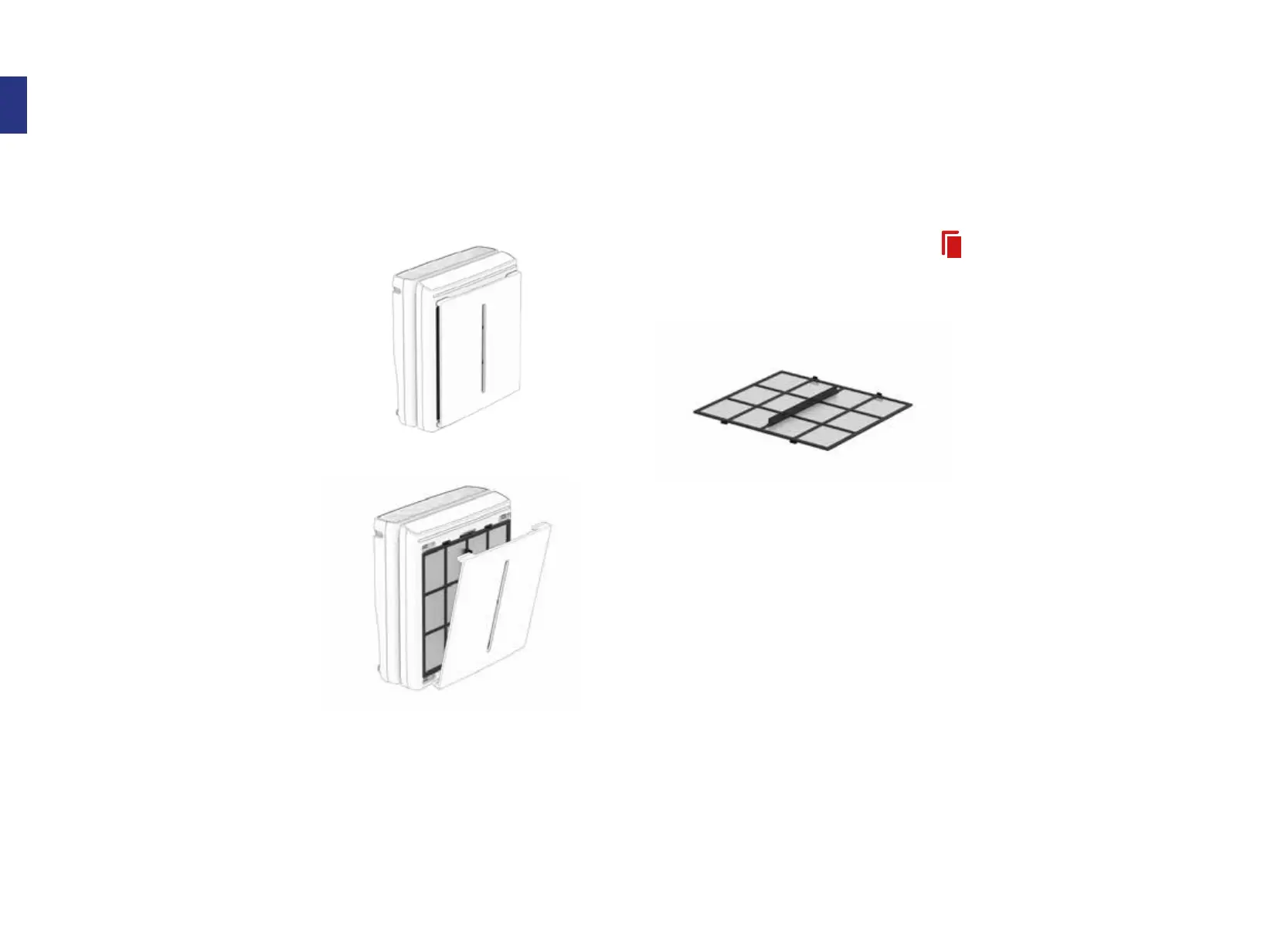
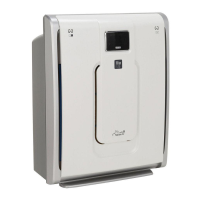
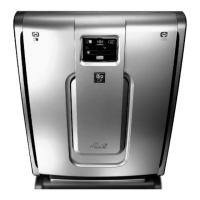
3. Remove the Front Panel from the unit
and use a dry cloth or soft brush to dust
it o.
4. Use a dry cloth or soft brush to wipe o
the Particle Sensor located on the right
side of the unit.
Cleaning the Pre-Filter
The Pre-Filter should be cleaned every 3
months. A solid red Filter Indicator light
means it’s time to clean!
Vacuuming method:
1. Remove the Front Panel from the air
purier.
2. Run a vacuum cleaner with a nozzle
or brush attachment on a low power
setting along the Pre-Filter to remove
visible particles.
If vacuuming does not seem to suciently
clean your Pre-Filter, please follow the steps
below to wash it.
Washing method:
1. Remove the Pre-Filter from the Filter
Case.
2. Fill the sink with lukewarm water and
gently wash the Pre-Filter under the
water for 2–3 minutes or until it is com-
pletely clean.
3. Rinse the Pre-Filter with clean tap
water.
4. Use a towel to remove any excess water
from the Pre-Filter.
5. Allow the Pre-Filter to dry for 12–24
hours.
6. When the Pre-Filter is completely dry,
place it back into the Filter Case. After
cleaning, tap the Filter Icon while the
Front Panel is removed to reset the
reminder.



 To Next Page