16 Rabbit Air - 17
Mood Light
All Light On/Off
Negative Ions
Light Sensor On/Off
Edit
Edit
Edit
Auto Mode
Fan Speed
Sensitivity
Connecting with
a Smartphone or
Tablet
Requires iOS or Android device with
Bluetooth or a 2.4Ghz WiFi network
1. Download the Rabbit Air app to your
smartphone or tablet.
2. Use your existing customer login or
create a new account.
3. Select “Setup new purier” or “Find
existing purier” and follow the steps
on the screen.
4. Now you can monitor your air quality
and control your air purier.
For more information, visit us at
www.rabbitair.com/wireless-faq
Other Modes
and Operations
Idle
LEDs on the User Interface will turn o after 5 minutes of
inactivity. As soon as the speed is changed or any button is
pushed, the unit will resume an active mode.
Activate Light Sensor
Light Sensor will automatically put unit into All Lights O (all
LEDs on the User Interface and Mood Light turn o) if envi-
ronment is dark for 3 minutes. All Lights O will be disabled
automatically when light is detected in the room again.
To activate Light Sensor, tap and hold the Auto Mode button
and Mood Light button for 2 seconds. LED above Mood Light
will turn o when Light Sensor is active.
Operation Tips
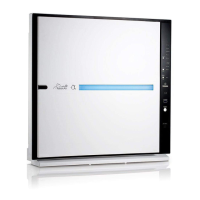
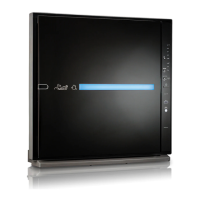
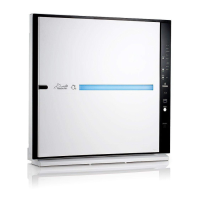
The MinusA3 can be used for various air quality improve-
ment reasons. For recommendations on the right speed and
mode for you, please contact our Customer Care Team at
888.866.8862.
Bedroom 2
MinusA2
Auto Mode
Unit ON
Fan Speed
Sensitivity
Air Quality
1.0
Gas / Odor
PM
2.5
10.0
21
ug/m3
31
32



 To Next Page