14 Rabbit Air - 15
Light
Control
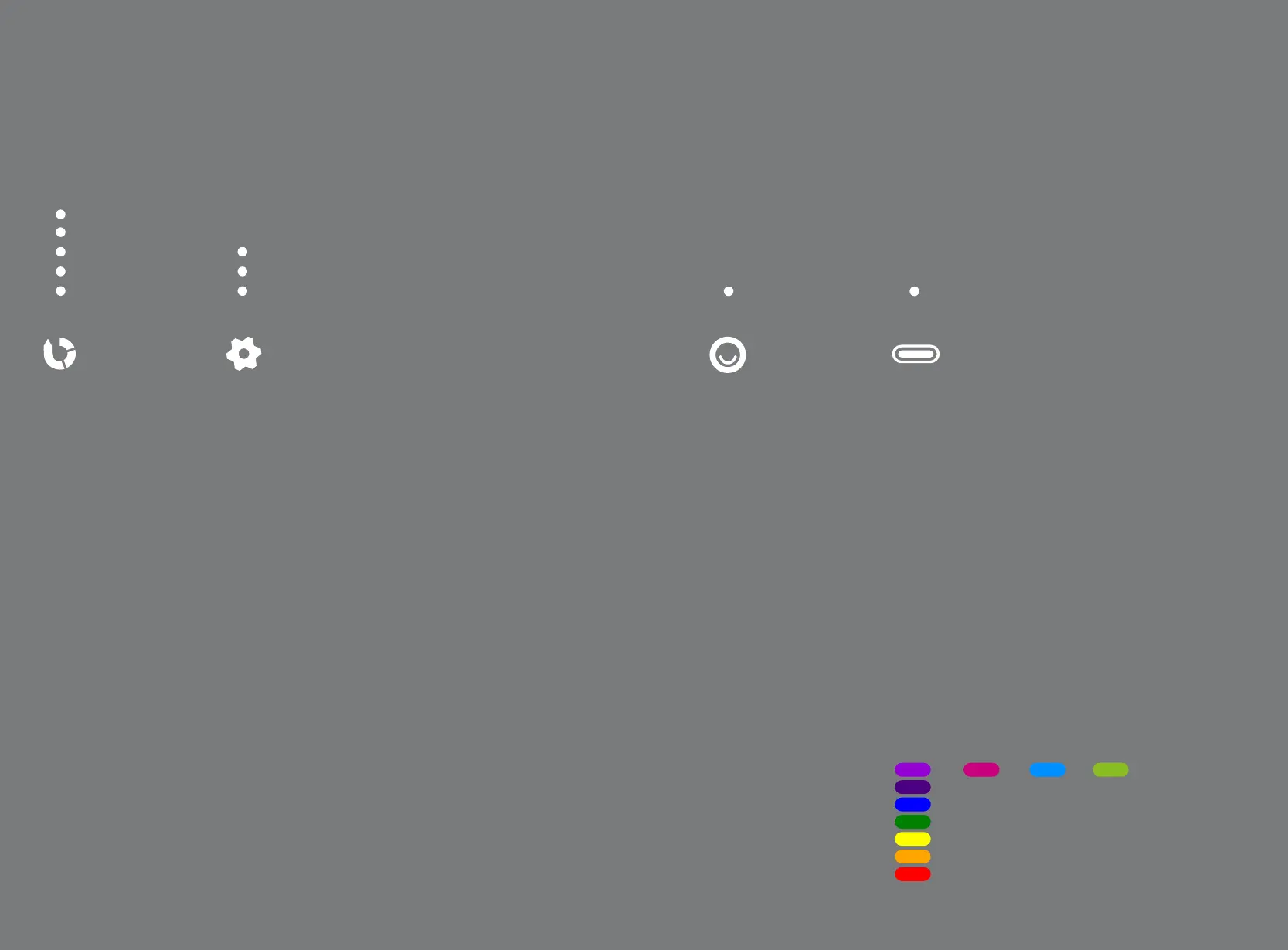
Operates and controls Mood Light
and activates All Lights O function.
Negative
Ions
Operates the Negative Ion
Generator.
Tap:
Turns negative ion generator
on or o
1 LED = On
No LED = O
Tap:
Cycles Mood Light settings
1. Rainbow
2. Red (preset 1)
3. Blue (preset 2)
4. Green (preset 3)
5. O
Auto Mode/
Sensitivity
Auto Mode controls the MinusA3 fan speed using particle
and odor sensors. It adjusts the fan speed based on the
amount of pollutants detected in the room.
Tap:
Operates MinusA3 in Auto Mode and cycles through the sen-
sitivity level for the sensors (deactivates Manual Fan Speed)
Auto Mode Indicators
3 LED = High Sensitivity
2 LED = Medium
1 LED = Low Sensitivity
No LED = Auto Mode O (unit operating on Manual Speed)
Fan
Speed
Controls and displays the
current fan speed of the unit.
Tap:
Turns on manual fan speed
and cycles manual speed
from level 1 to 5
(deactivates Auto Mode)
5 LED = High
4 LED
3 LED = Medium
2 LED
1 LED = Silent
High
Medium
Silent
High Sensitivity
Medium
Low Sensitivity
(No LED = Auto Mode O)
On
(No LED = O)
Indicates Light Sensor Control
is OFF
Tap and hold:
Manually activates All Lights
O (turns o all LEDs includ-
ing Mood Light)
Tap any button to exit.
1 2 3 4
5
O



 To Next Page