Function List Description Available Option
Set the GPS volume.
Off / Volume 1-8
Set the speed at which the over speed
warning tone. The default one is 70MPH.
Off / 40MPH–200MPH
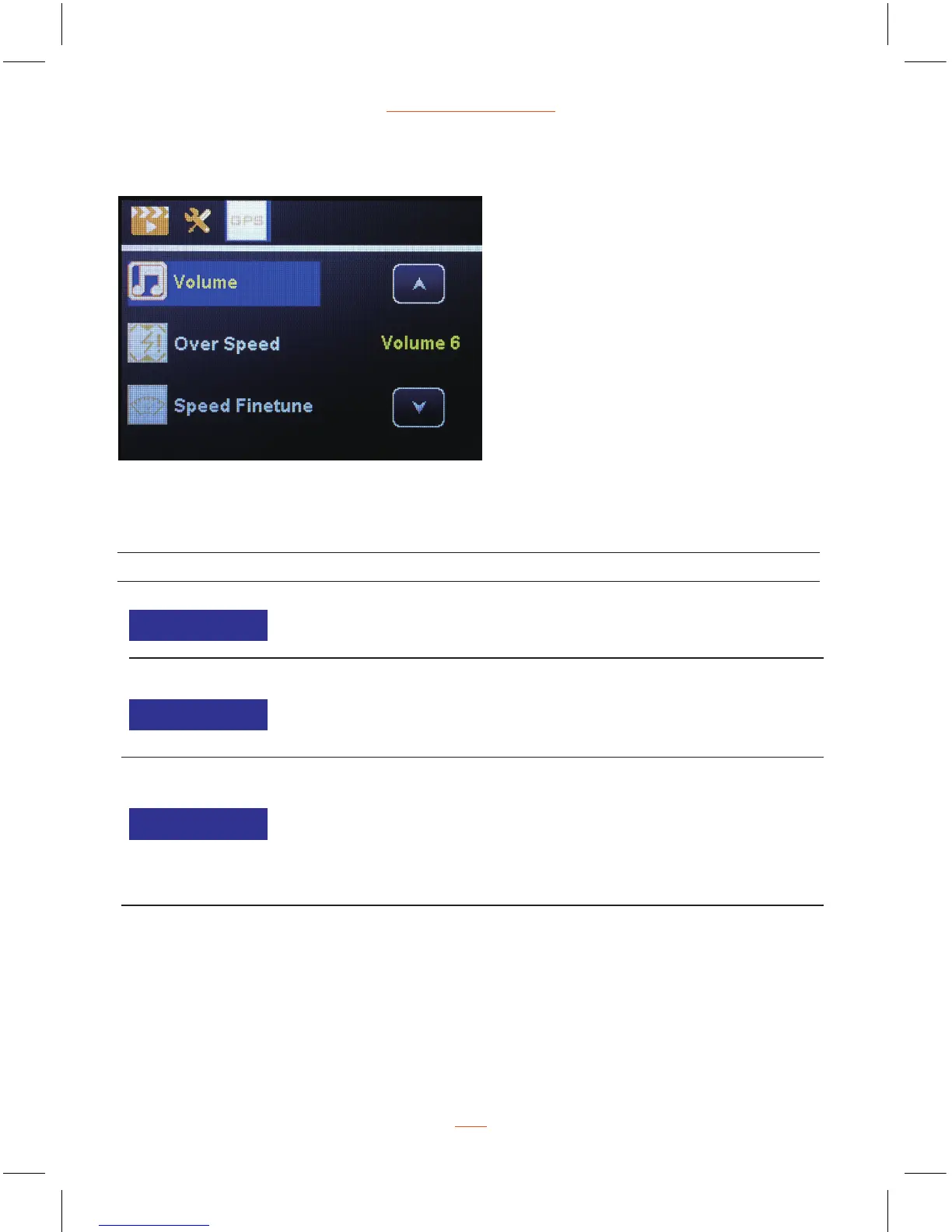
GPS Settings
GPS Settings Menu Options
13
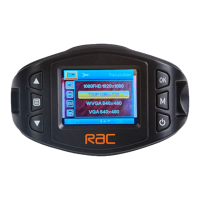
RAC 210 Full HD Dash Cam
Volume
Over Speed
Speed Finetune
Adjust the error data between the GPS
positioning shows the current speed and
each brand car dashboard display speed.
-6 ~ +6


 To Next Page