Powering the Dash Cam On / Off
Auto Power On / Off
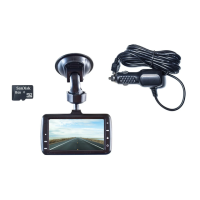
Once the vehicle engine is started, the Dash Cam automatically turns on and starts
recording (must have the Micro SD Card installed). After the car engine is stopped,
the Dash Cam will automatically save the last recorded file and shutdown.
Manual Power On / Off and Reset
Manual Power On / Off
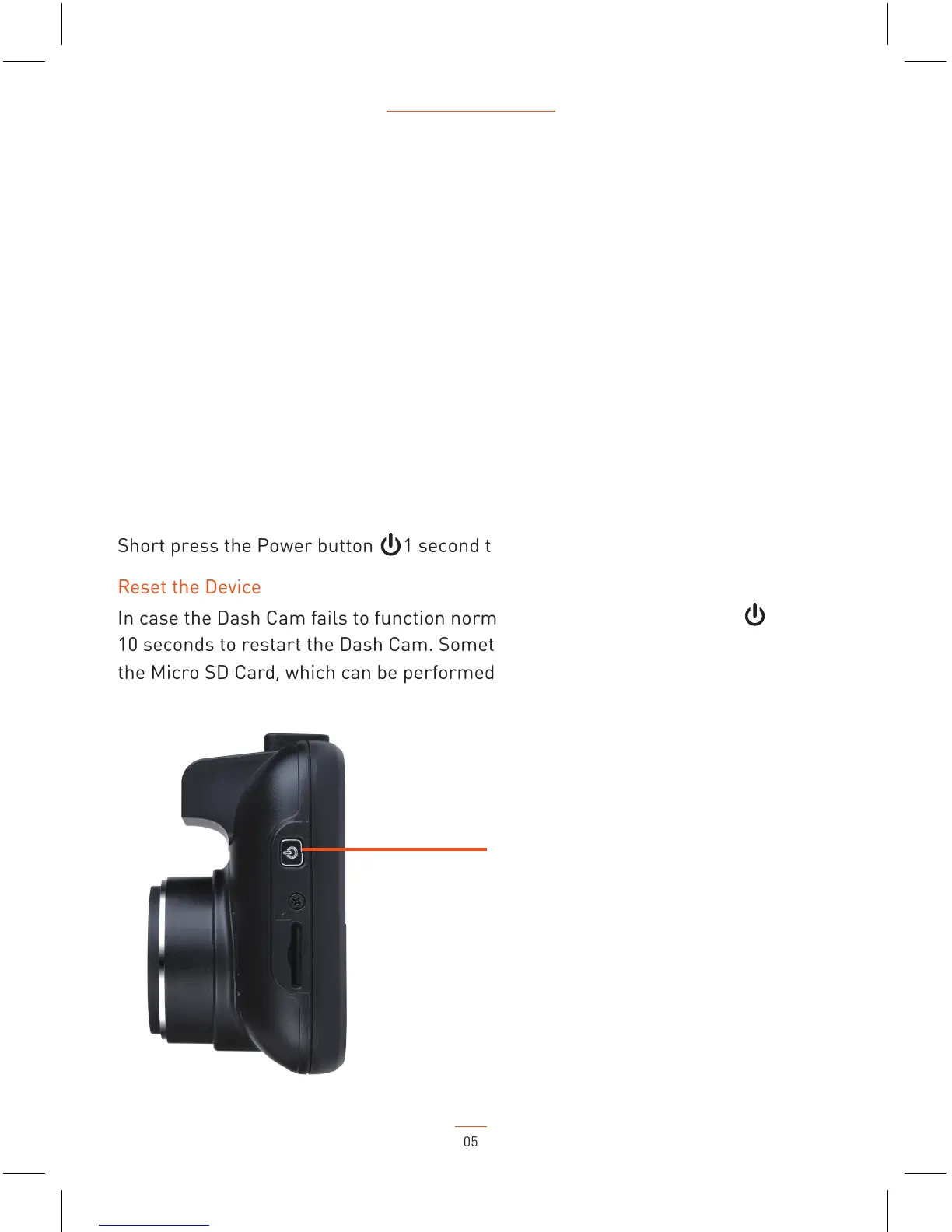
Short press the Power button 1 second to power the Dash Cam on and off.
Reset the Device
In case the Dash Cam fails to function normally, press the Power button for
10 seconds to restart the Dash Cam. Sometimes it is also necessary to format
the Micro SD Card, which can be performed from the menu settings.
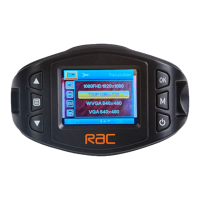
Power and Reset button
05
RAC 210 Full HD Dash Cam
NOTE: If your vehicle in car power remains on after the car engine has been turned
off, you may need to remove the power lead, or turn the RAC 210 off using the power
button. This is because if the in car power remains on, the RAC 210 will not know that
the engine has turned off.


 To Next Page