Viewing Pictures
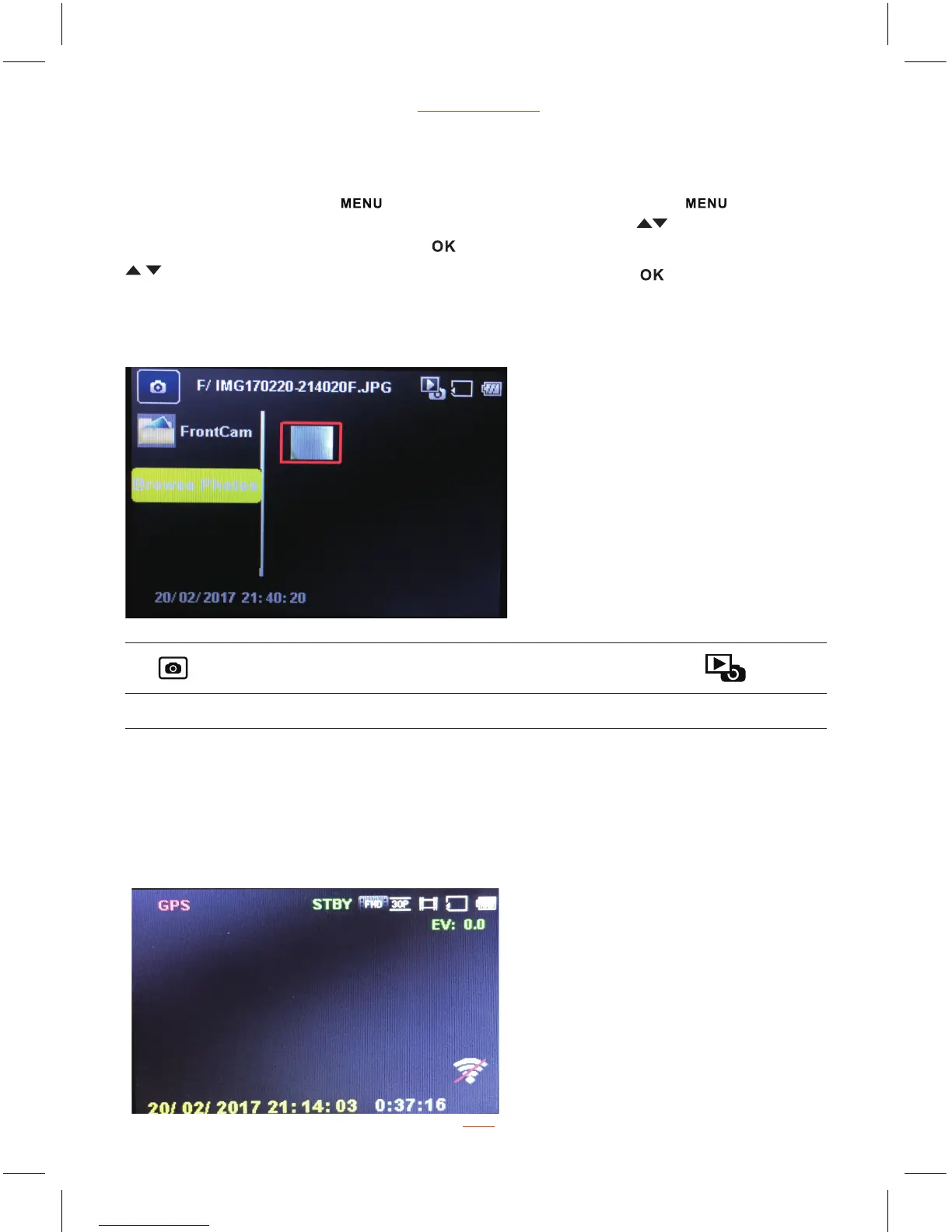
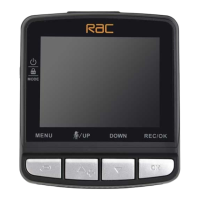
Long press Mode button and then short press Mode button three times
to switch to picture viewing mode, press Up / Down button to select the
picture, then press REC/OK button to view picture, press Up / Down button
for viewing pictures one by one, press REC/OK button again can
return back to picture viewing mode.
View Picture Screen
Picture Picture Name Date & Time Picture Viewing Mode
www.proofcam.com
16
F/ IMG170220-214020F 20/02/2017 21:40:20
GPS Function
This product built-in GPS module, power on and waiting for 1-5 minutes in outdoor,
when GPS word on preview screen turned green, it means that the signal has been
received, the recorded video can be tracked at this time.


 To Next Page