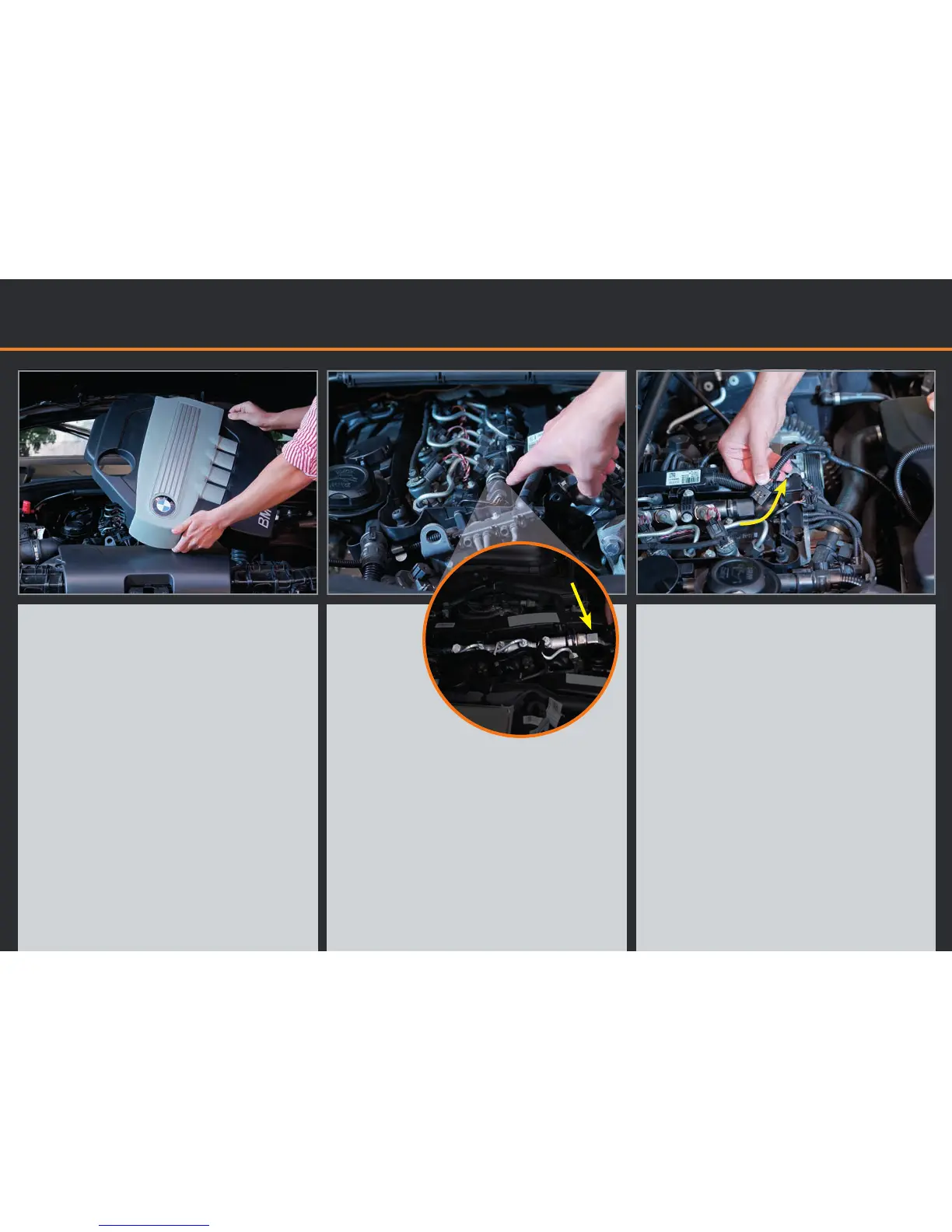
1. Approach the car with appropriate
tools. Please open the bonnet and
remove the motor cover (if any).
2. Now you can see the motor block.
Look for the Common-Rail-Pipe.
There‘s a 3-pin plug characterized by
an oversized nut directly on this pipe.
This plug has to be a 3-pin by all
means.
3. Please disconnect the 3-pin plug.
Insert the plug of the cable harness
into the sensor.
Remove motor cover and
locate the Common-Rail-Sensor
P
i
c
t
u
r
e
t
u
r
n
e
d
9
0
d
e
g
r
e
e
s


 To Next Page