EasyManua.ls Logo

RaceChip Ultimate Connect - User Manual

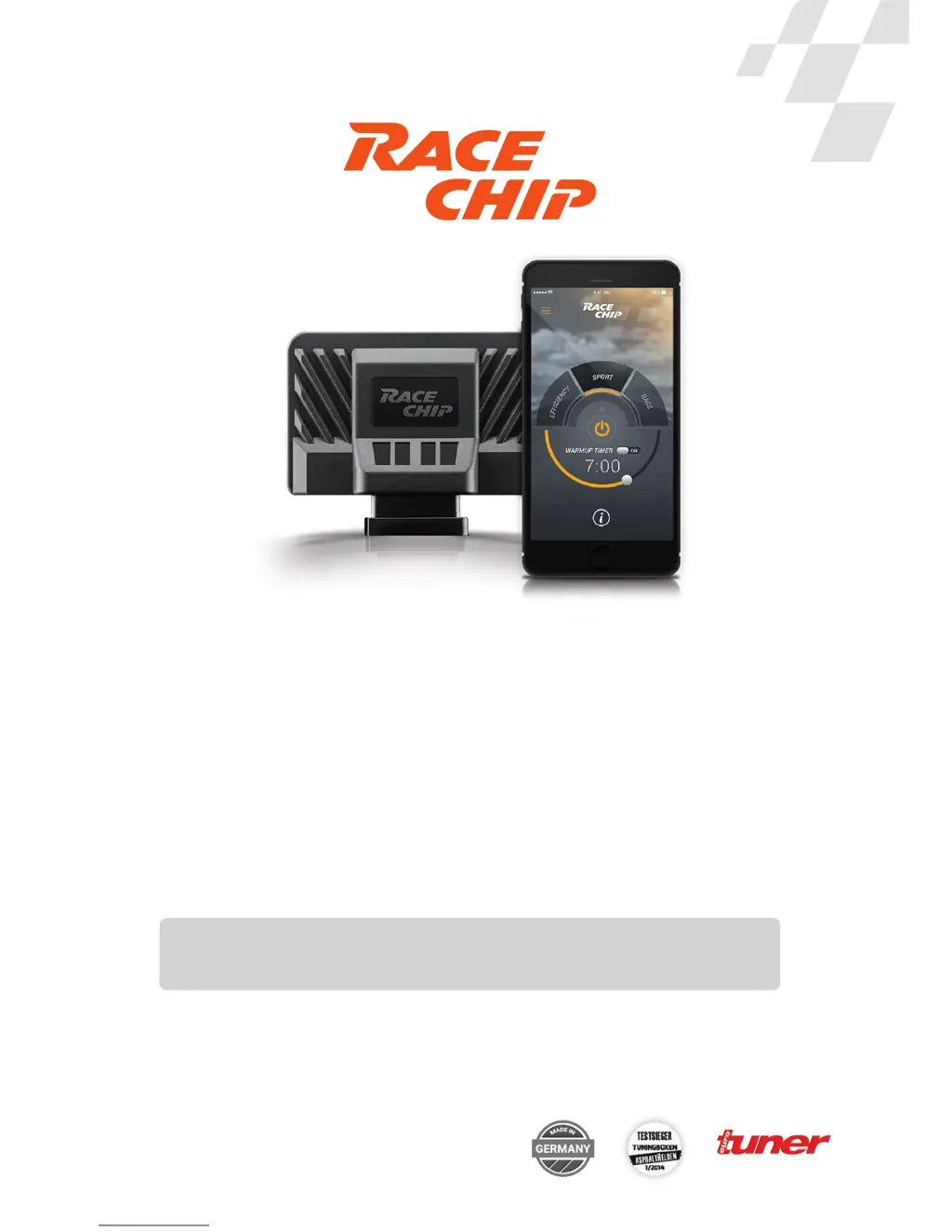
RaceChip Ultimate Connect
27 pages
Print Icon
To Next Page IconTo Next Page
Loading...
RaceChip Ultimate Connect
Installation Guide
Common Rail 1-Channel
Item number: EBA-ALLG-ULTIMATEC-CR-K1-ENG-V1
Test winner, September 2013

Questions and Answers

Summary

Installation

Download and Install RaceChip App

Instructions for downloading and installing the RaceChip app on your smartphone.

Enter Serial Number

Locating and entering the unique serial number of your RaceChip Ultimate Connect.

Connect to Vehicle Sensors

Identifying and connecting to the relevant common rail connection socket.

Connect Wiring Harness

Detailed steps for connecting the RaceChip wiring harness to the vehicle's plugs.

Pair RaceChip with App

Establishing a Bluetooth connection between the RaceChip and the smartphone app.

Using the RaceChip App

Drive Modes and ON;OFF Function

Enabling/disabling the chip and selecting EFFICIENCY, SPORT, or RACE performance modes.

Troubleshooting

Contact Information

RaceChip Ultimate Connect Specifications

General IconGeneral
ConnectivityBluetooth
Power IncreaseUp to 30%
Torque IncreaseUp to 30%
App ControlYes
Engine Protection+Yes
Warm-up TimerYes
Fuel SavingUp to 15%
TypePerformance Chip
InstallationPlug and play
Number of mappings7
Warranty2 years product warranty, 1 year engine warranty (up to €5, 000)

Related product manuals