Page 21
The „DRIVE MODES“ dialog box
Using the RaceChip app
ON/OFF function
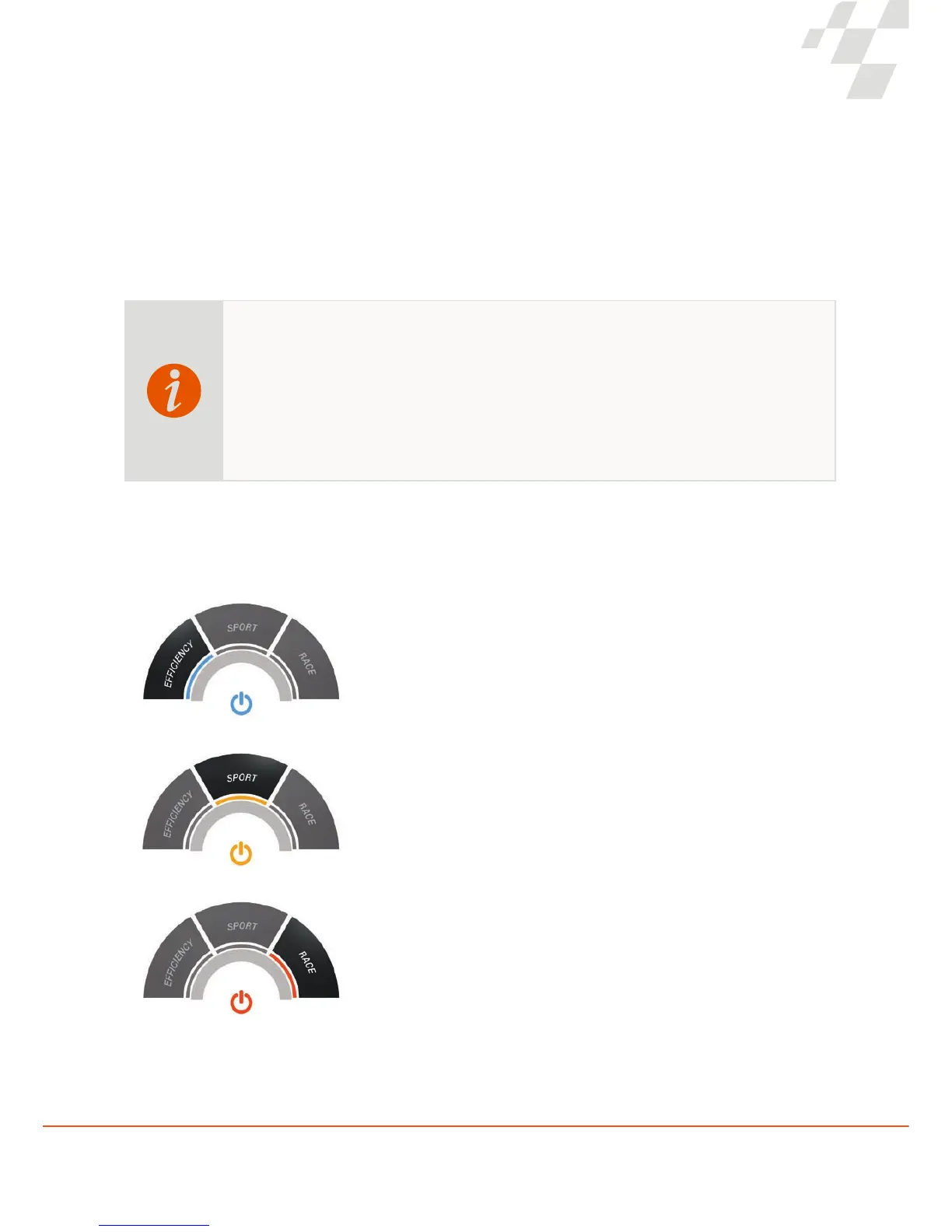
Performance modes
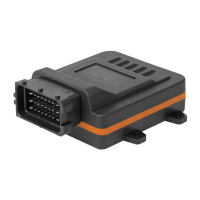
You can enable and disable the Ultimate Connect via the ON/OFF function. If you disable the chip, the performance of
your vehicle will correspond once again to the default factory performance.
You can optimise the performance of your car via three performance modes that have been specially ne-tuned to your
engine.
EFFICIENCY
The EFFICIENCY setting for smart driving: more power and more torque, with
the greatest ef ciency.
SPORT
Do you have a quick leg coming up?
The SPORT setting lets you to summon a signi cant power increase. Perfect
for dynamic driving.
RACE
Maximum performance with up to 30% more power. With the RACE setting,
power delivery is optimised for maximum dynamism. Welcome to pole position!
You can only change the settings of the Ultimate Connect with the engine of your vehicle turned
off and with the ignition switched on. Once you start the engine, the settings in the app are
locked.
The reason for this is the note ALWAYS ACT IN COMPLIANCE WITH APPLICABLE RULES:
“A driver of a vehicle may not use a mobile phone or car phone if the mobile phone or the headset
of the car phone must be picked up or held. This does not apply if the vehicle is stationary or if
the vehicle engine is turned off.”


 To Next Page