7
10
2 Installation
6
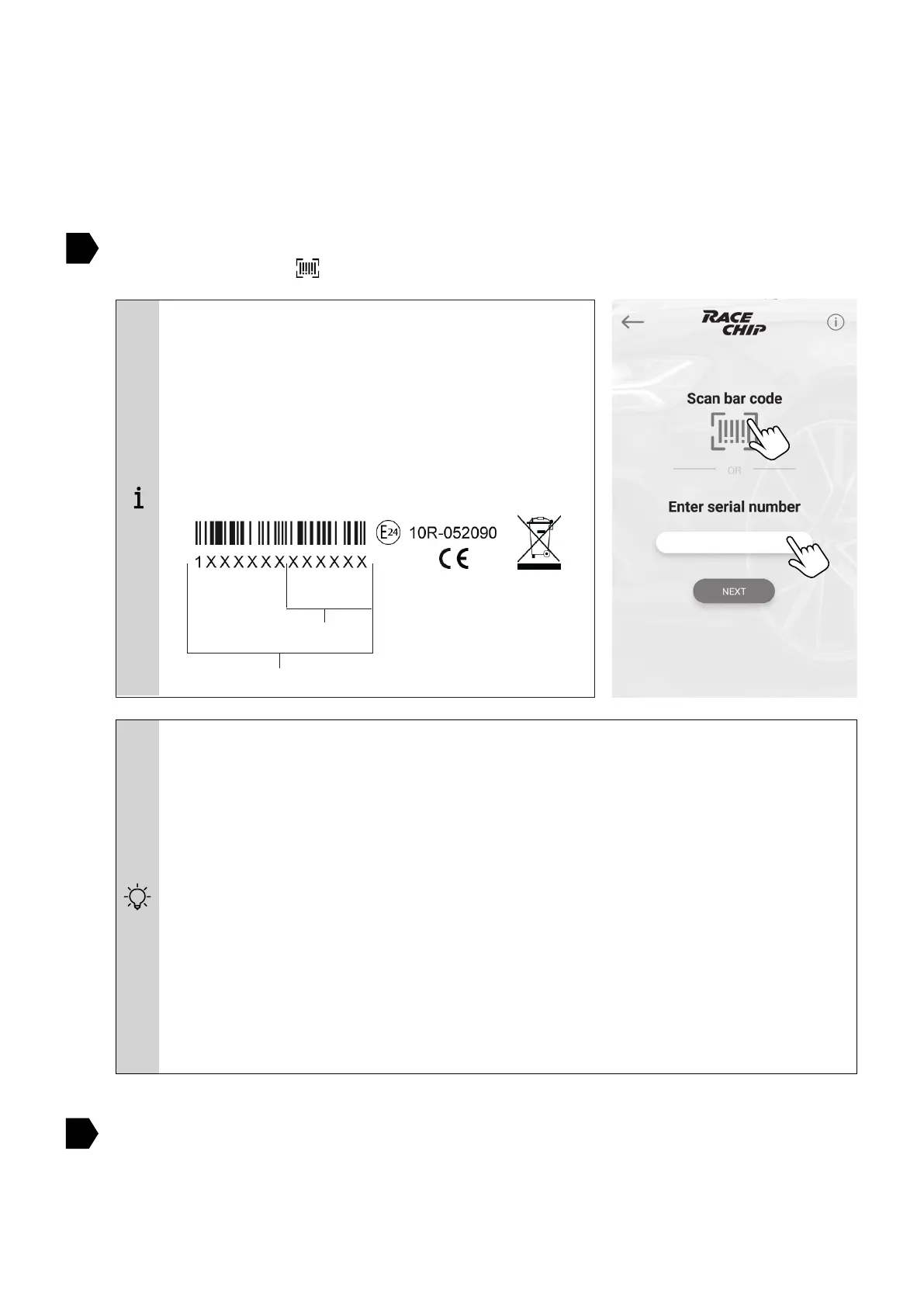
You can enter the serial number by hand (touch MANUALLY) or with the barcode scanner
of the camera (touch
You can enter the serial number by hand (touch
). Con rm the entry with NEXT.
As soon as the connection is set up, the installation is completed.
Having trouble with connecting RaceChip XLR and your phone’s Bluetooth?
Follow these steps one by one until the pairing is complete:
1. Check that the car’s ignition is switched on.
2. Check that the Bluetooth function on your smartphone is fully activated.
3. Deactivate and then re-activate the Bluetooth connection. Check if RaceChip
and your phone will pair now.
4. Re-start the RaceChip+ app.
5. Go to your smartphone’s settings and view all discoverable Bluetooth devices. If
your RaceChip (RC XLR) is not visible, please contact our customer service.
The 13-digit serial number is located on the
cover of your user manual (paper version).
Alternative you can also nd the serial number
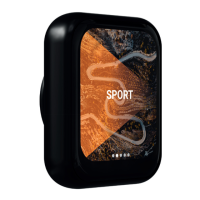
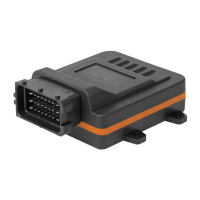
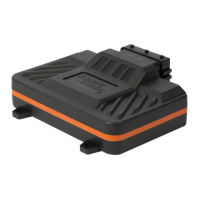
on the housing of the Brainbox. The Bluetooth
PIN consists of the last 6 digits of the serial
number.
Serial number
Bluetooth-PIN
Example:


 To Next Page