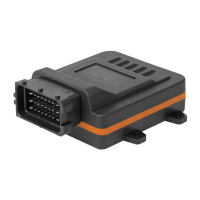
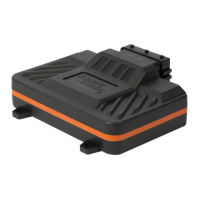
9
2 Installation
Step 5 of 5 – Pair RaceChip XLR with your smartphone
Download the free RaceChip+ app.
Open the RaceChip+ app.
Switch on the ignition of your car. Do not start the engine.
With opening the RaceChip+ app for the rst time, the
installation dialogue for chip tuning by RaceChip is shown.
Touch ADD PRODUCT and follow the instructions given by
your smartphone.
According to your operating system (Android and Apple), the steps for connecting the RaceChip
and your smartphone may vary. Please nd the most important steps below. In general, you
should follow the instructions given by your smartphone for the connection.
Activate the Bluetooth function of your smartphone.
• The connection between the RaceChip and your smartphone is set up in the last step
of the installation process.
• The RaceChip is fully functional even if there is no connection to a smartphone
running the RaceChip+ app.
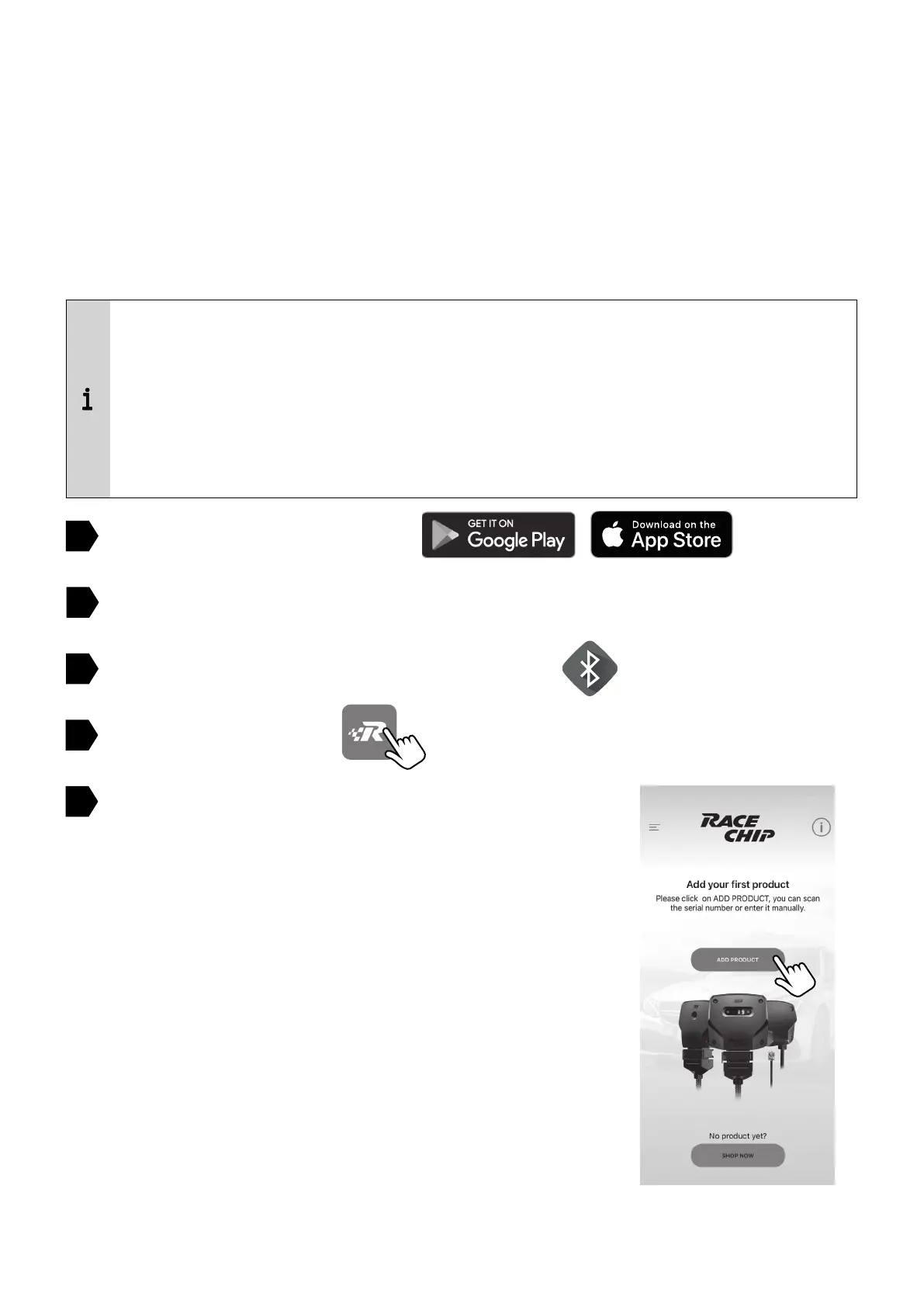
• The RaceChip XLR is now in the factory setting SPORT after rst pairing.
1
2
4
5
3


 To Next Page