B
A
A B
6
2 Installation
Step 3 of 5 – Connect the Brainbox
The car used to illustrate these instructions is for demonstration purposes only. The basic proce-
dure is exactly the same even if the details of your car look different.
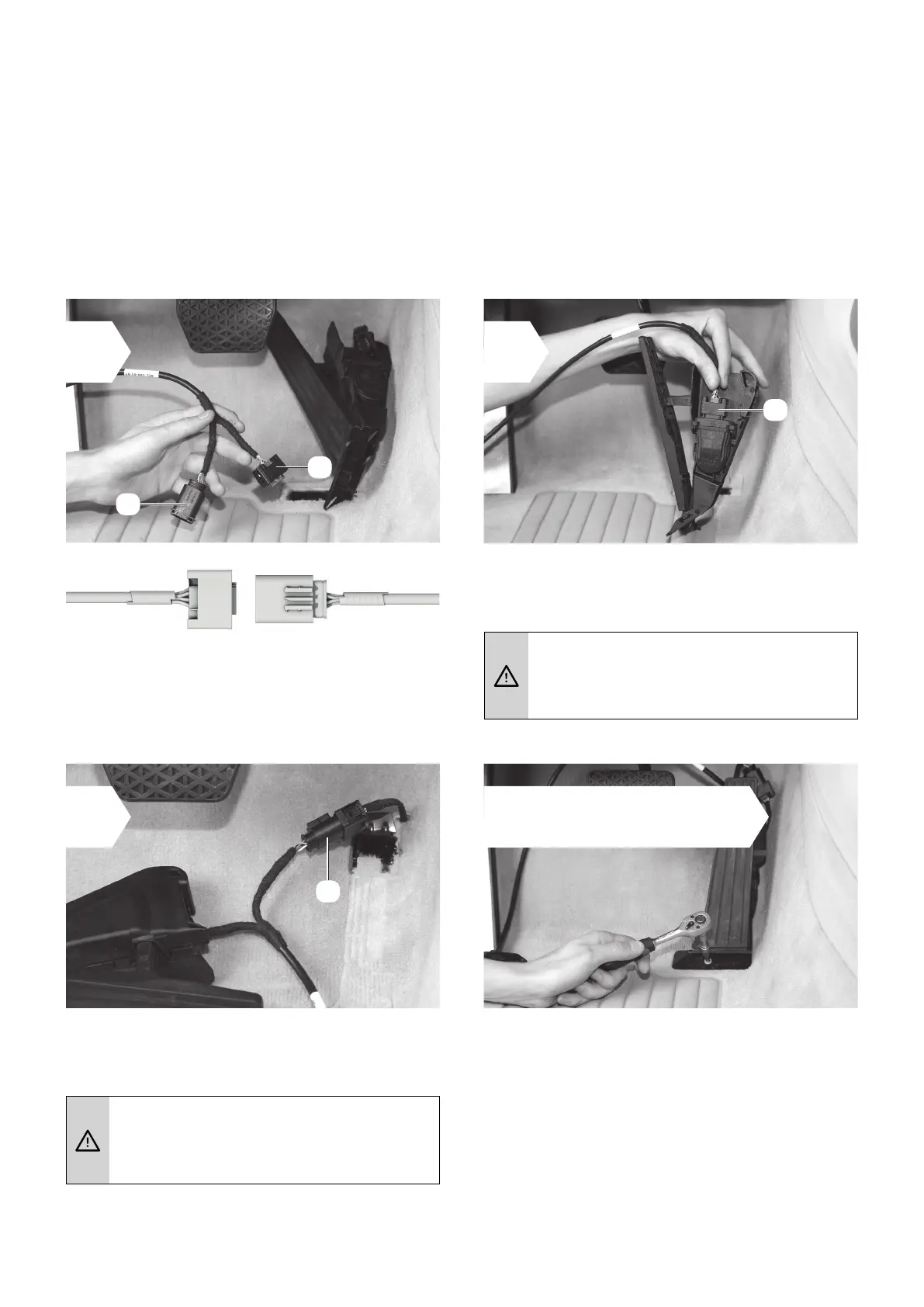
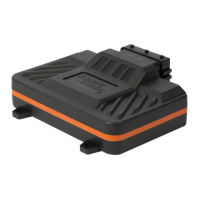
• The cable leading from the Brainbox has
two connectors (marked A and B).
• Attach connector A from the Brainbox to
the gas pedal sensor.
• Now attach connector B to the connector
you pulled off the gas pedal.
A sharp click indicates that the
retaining clip has engaged fully.
A sharp click indicates that the
retaining clip has engaged fully.
1 2
3 4
Only if the throttle pedal
has been disassembled:
• Re-assemble the throttle pedal.
• Make sure the cable is not trapped and
does not interfere with the pedals.
• Ensure the throttle pedal is rmly xed in
the proper position.
A
B


 To Next Page