4
3. ELECTRONICS UNIT
3.1. First commissioning of the DUO model
When switching on the electronics unit for the first time, carry out the following programming.
Pool volume to
be specified
(5.0 is the
default setting).
• From 0.1 to 0.9 (i.e. from 1 to 9 m
3
), in increments of 0.1.
• From 1.0 to 9.5 (i.e. from 10 to 95 m
3
), in increments of 0.5.
• From 10 to 20 (i.e. from 100 to 200 m
3
), in increments of 1.
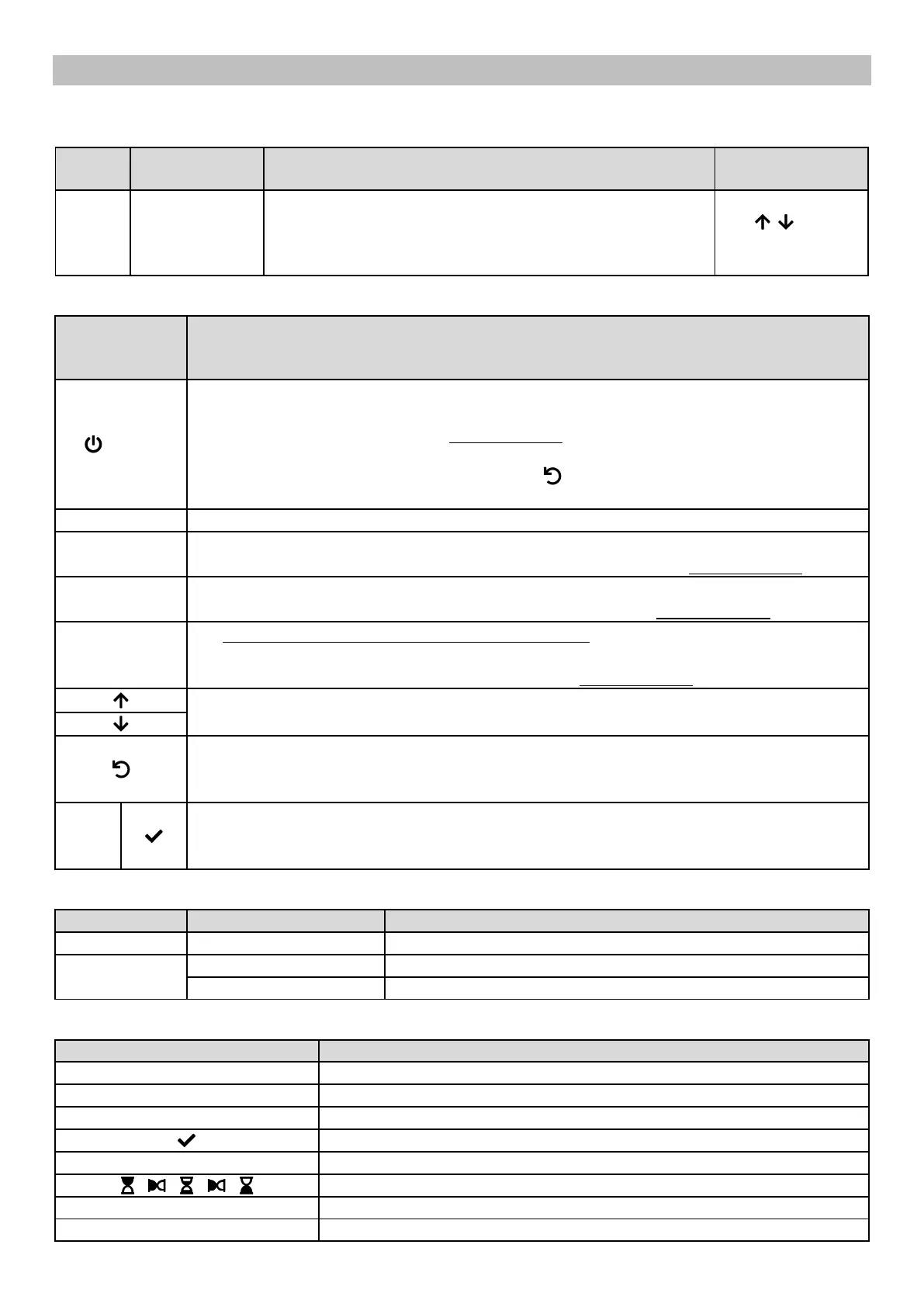
Select a value with
the buttons,
then confirm with
the OK button.
COMMAND KEY
(depending on
model)
• Switching on the electronics unit.
→ A few minutes after switching on, production starts automatically.
• Switching off the electronics unit (press and hold).
→ When switching off, the screen and the green LED turn off while the red LED comes on.
→ If an alarm has been activated, press first on to switch off.
• Access the menus.
Boost mode starts for 24 hours.
• Display of the water temperature for a few seconds.
• Direct access to the menu to adjust the temperature measurement (press and hold).
• Display of the salt level for a few seconds.
• Direct access to the menu to adjust the salt rate measurement (press and hold).
→ This command key is only present on the DUO model.
• Display of pH measurement.
• Direct access to the menu to calibrate the pH probe (press and hold).
Selecting a value or data element.
• Cancellation of an entry
• Back to previous menu.
• Stopping Boost mode.
• Command confirmation.
• Entering a menu.
• Dismissing an alarm.
Electronics unit powered off, or wintering mode activated
Production setpoint (in %)
Information awaiting validation, or alarm activated
Information validated or read only
Setting confirmed, or successful operation
Failed setting or operation
Call to wait a few moments
Call to confirm an entry with the OK button


 To Next Page