9
3.7.13. Bluetooth communication
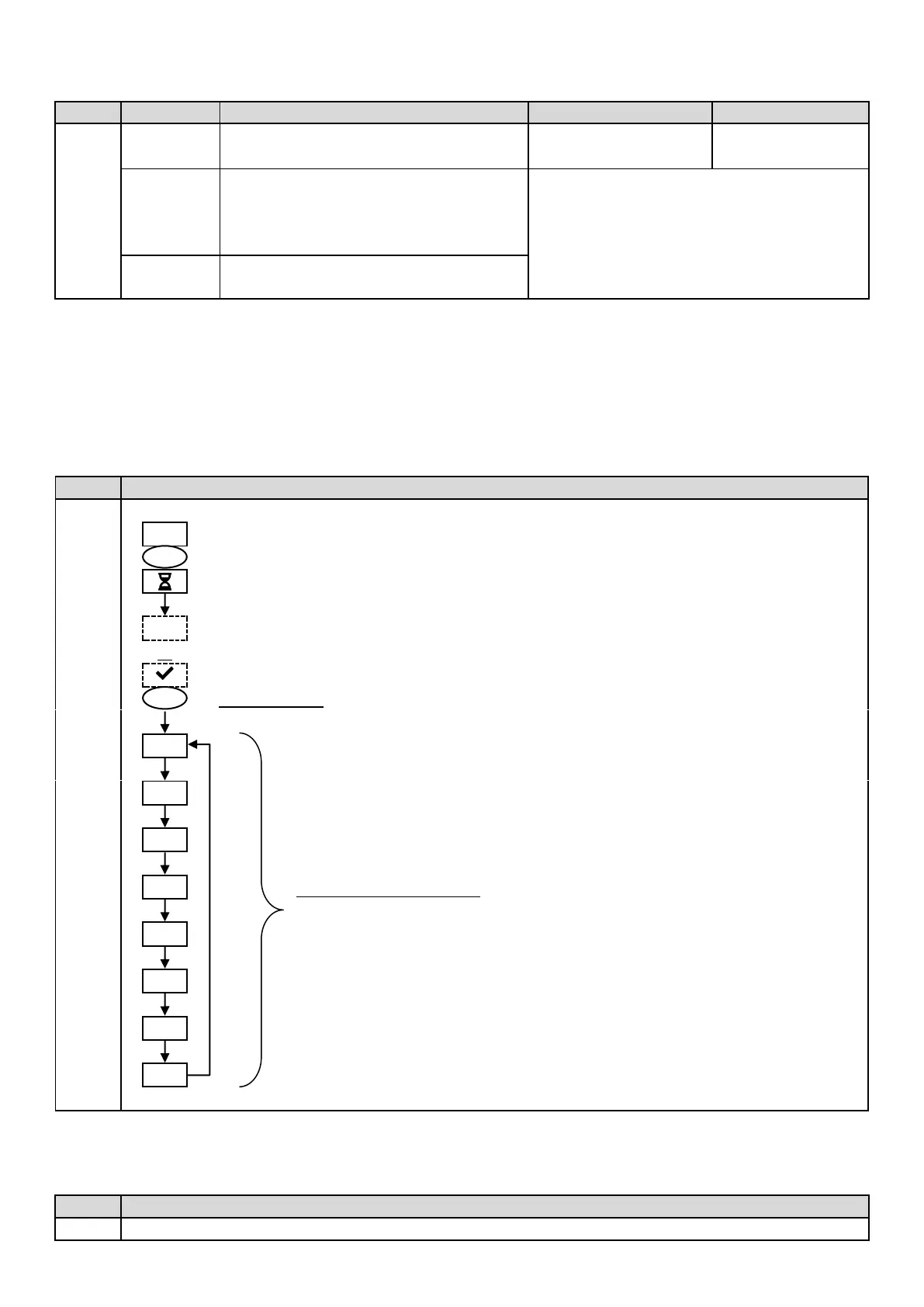
Activation/deactivation of Bluetooth
communication.
• ON (to activate)
• OF (to deactivate)
• Detection of connectible devices near
the electronics unit (within 60 seconds).
• Networking of the electronics unit and
connected devices.
Removal of the network connecting the
electronics unit to the connected devices.
→ During an update of the software of the electronics unit carried out using Bluetooth, the 2 LEDs (red and green)
flash alternately.
3.7.14. Chlorination test
→ This function is for use by professionals for maintenance operations on the equipment.
→ Animated display (Wait a few moments).
→ Alternating display with « E0 » (unit problem) or « E1 » (cell problem).
Resetting the parameters cancels all the settings made (factory configuration).
Display for a few seconds :
Currents and voltages supplying the cell, on each direction of polarity inversion
(values for illustrative purposes only).


 To Next Page