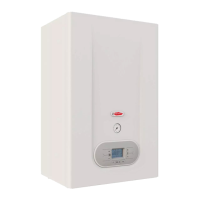
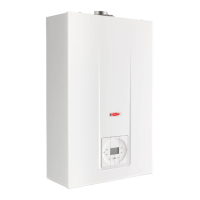
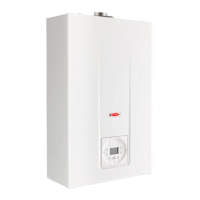
MAINTENANCE INSTRUCTIONS
6.3 Accessing the boiler
All maintenance operations require one or more of the
boiler casing panels to be removed.
The side panels can only be removed after the front
panel has been removed.
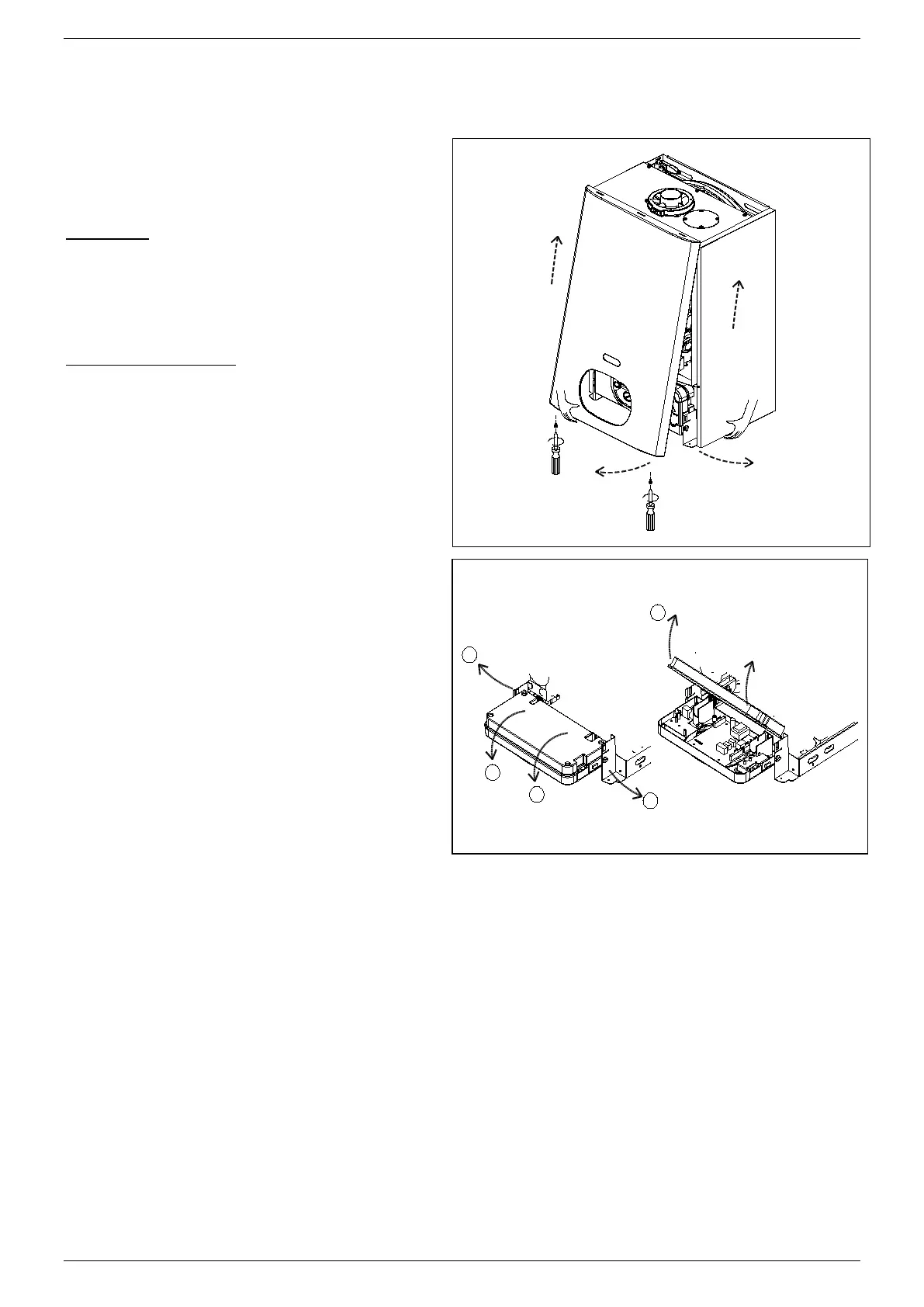
Front panel:
Remove the fixing screws at the lower edge of the
front panel.
Grasp the lower part of the panel and pull it
outwards (fig. 1) and then up (fig. 1).
Left and right side panel:
Remove the fixing screws at the front and lower
edge of the side panel to remove.
Grasp the bottom of the panel, move it sideways
and then upwards to remove it.
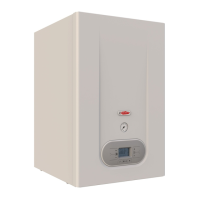
To access the electrical connections of the
control panel, proceed as follows:
• Remove the front panel (see fig. 1 ).
• Grasp the left and right control panel support
brackets (fig. 2) and pull them outwards, at the
same time rotating the panel downwards.
• Unscrew the four fixing screws (fig. 2) and remove
the panel back piece.


 To Next Page