
 Need help?
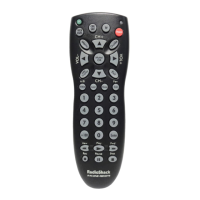
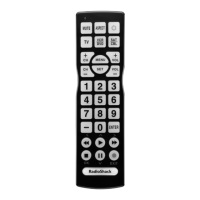
Do you have a question about the Radio Shack 6-in-1 Remote Control and is the answer not in the manual?
Instructions for inserting the required AAA batteries into the remote.
Steps to program the remote with a house code for Plug 'n Power.
Procedure to find the correct remote code through searching.
Method to find the currently programmed 3-digit code for a device.
 General
| Brand | Radio Shack |
|---|---|
| Device Type | Universal Remote Control |
| Number of Devices Supported | 6 |
| Power Source | Battery |
| Model Type | 6-in-1 |
| Compatible Devices | TV, VCR, DVD, Cable, Satellite |
| Infrared Range | Up to 30 feet |
| Programming Method | Direct Code Entry, Auto Code Search |



 To Next Page