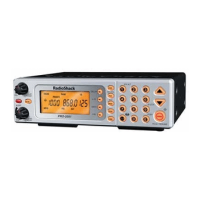
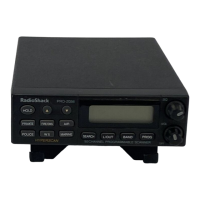
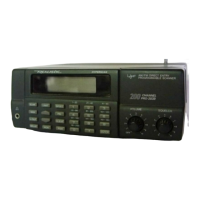
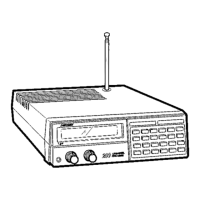
What to do if keys do not work on Radio Shack PRO-2053 Scanner?
- CCassandra HernandezJul 28, 2025
If the keys on your Radio Shack Scanner do not work or the display changes unexpectedly, turn the scanner off and then on again, or reset the scanner.
What to do if keys do not work on Radio Shack PRO-2053 Scanner?
If the keys on your Radio Shack Scanner do not work or the display changes unexpectedly, turn the scanner off and then on again, or reset the scanner.
Instructions for powering the scanner via AC adapter or vehicle battery.
Step-by-step instructions for powering up and adjusting the squelch control.
How to program specific frequencies into the scanner's memory channels.
Guide to programming frequencies for trunked radio systems.
Procedures for searching and saving active radio transmissions.
How to start and manage the scanning of programmed channels.
Explanation of how trunked radio systems manage frequencies and users.
Steps to input frequencies for trunked systems, including mode selection.
Programming talk group identifiers to track specific communications.
Procedures for resolving scanner issues by resetting or initializing the device.
Instructions for powering the scanner via AC adapter or vehicle battery.
Step-by-step instructions for powering up and adjusting the squelch control.
How to program specific frequencies into the scanner's memory channels.
Guide to programming frequencies for trunked radio systems.
Procedures for searching and saving active radio transmissions.
How to start and manage the scanning of programmed channels.
Explanation of how trunked radio systems manage frequencies and users.
Steps to input frequencies for trunked systems, including mode selection.
Programming talk group identifiers to track specific communications.
Procedures for resolving scanner issues by resetting or initializing the device.
| Brand | Radio Shack |
|---|---|
| Model | PRO-2053 |
| Category | Scanner |
| Language | English |