EasyManua.ls Logo

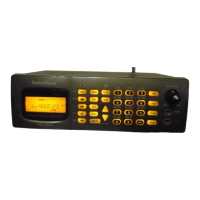
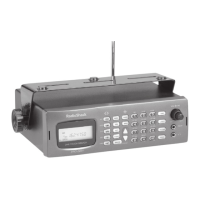
Radio Shack PRO-2050 - User Manual

Radio Shack PRO-2050
56 pages
Print Icon
To Next Page IconTo Next Page
Loading...
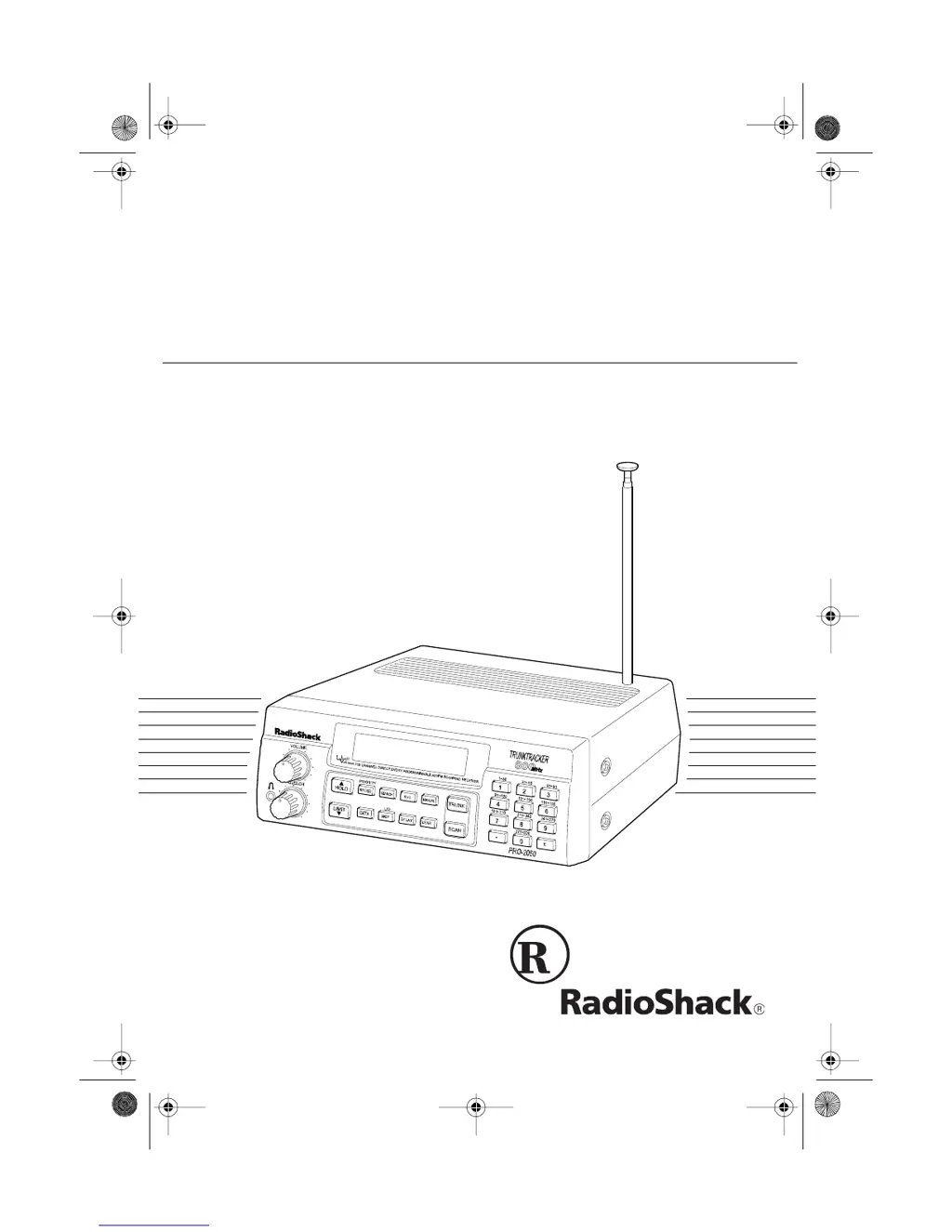
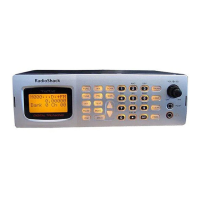
Owner’s Manual
Cat. No. 20-430
PRO-2050
VHF/UHF/Air/800MHz
300-Channel TrunkTracker Home Scanner
Please read before using this equipment.
20-430.fm Page 1 Wednesday, August 4, 1999 1:29 PM

Table of Contents

Other manuals for Radio Shack PRO-2050

Questions and Answers

  • A
    Amy Avila MDAug 20, 2025
    What to do if my Radio Shack PRO-2050 is on but will not scan?
    • S
      sharonmasonAug 20, 2025
      If your Radio Shack Scanner is on but not scanning, it might be due to the SQUELCH not being correctly adjusted. Try adjusting the SQUELCH clockwise. Alternatively, only one or no channels might be stored. Ensure you store frequencies into more than one channel.
  • W
    wmendezAug 21, 2025
    Why is my Radio Shack PRO-2050 Scanner not tracking a trunked system?
    • M
      Matthew KimAug 22, 2025
      Your Radio Shack Scanner might fail to track a trunked system if the transmission doesn't use a system that your scanner can track. In this case, try scanning another transmission.
  • D
    Don PalmerAug 25, 2025
    What to do if my Radio Shack Scanner is totally inoperative?
    • G
      George MartinezAug 25, 2025
      If your Radio Shack Scanner is totally inoperative, first, check if it's receiving power by ensuring it's plugged into a working AC or DC outlet. Also, verify that the adapter’s barrel plug is fully inserted into the DC 12V jack.
  • M
    Michelle NortonAug 26, 2025
    Why is my Radio Shack PRO-2050 not acquiring a data channel?
    • E
      Evan GonzalezAug 26, 2025
      If your Radio Shack Scanner won't acquire a data channel, it could be due to a couple of reasons. First, the SQUELCH might not be correctly adjusted for trunk tracking, so adjust the squelch. Second, the frequency used for the data channel might be missing. Add the frequency used for the data channel to the frequency list.
  • P
    Peter WhiteAug 28, 2025
    Why does my Radio Shack Scanner have poor or no reception?
    • M
      Michael AndersonAug 28, 2025
      If your Radio Shack Scanner has poor or no reception, it might be because an antenna is not connected or is connected incorrectly. Ensure that an antenna is properly connected to the scanner.
  • A
    Anne LongAug 29, 2025
    What to do if my Radio Shack PRO-2050 Scanner displays an error?
    • J
      John HillAug 30, 2025
      If your Radio Shack Scanner displays an error, it is likely due to a programming error. Reprogram the frequency correctly, making sure to include the decimal point.
  • T
    tracey70Aug 31, 2025
    Why am I missing replies to conversations on my Radio Shack PRO-2050?
    • J
      James ThomasSep 1, 2025
      You might be missing replies to conversations on your Radio Shack Scanner if the system you are trying to track is a Type I system, and the scanner is set to scan Type II systems. Set the scanner to receive Type I trunked frequencies.
  • T
    thompsonwilliamSep 3, 2025
    Why won't my Radio Shack PRO-2050 stop while scanning a scan list?
    • J
      johncabreraSep 3, 2025
      If your Radio Shack Scanner will not stop while scanning a scan list, it might be because no IDs have been stored. Store one or more IDs. Alternatively, the IDs you have stored might not be active, so try scanning another transmission.
  • A
    Andrew MillerSep 5, 2025
    Why does my Radio Shack Scanner lock on frequencies with unclear transmission?
    • M
      Matthew GutierrezSep 5, 2025
      If your Radio Shack Scanner locks on frequencies that have an unclear transmission in scan mode, it's possible that the programmed frequencies are the same as 'birdie' frequencies. Avoid programming frequencies listed under 'Birdie Frequencies' or only listen to them manually.
  • J
    John LopezSep 7, 2025
    Why are the channel activity indicators lighting but no sound is heard on my Radio Shack PRO-2050 Scanner?
    • J
      Jennifer ShannonSep 7, 2025
      If the channel activity indicators are lighting but no sound is heard on your Radio Shack Scanner, the transmission might be a private or telephone interconnect call, which the scanner does not scan. In this case, scan for another transmission.

Summary

PRO-2050 Scanner Features

Trunking System Tracking Capabilities

Explains how the PRO-2050 tracks Motorola Type I, Type II, and hybrid analog trunking systems.

Channel Storage and Scan List Organization

Details 300-channel storage in 10 banks and 5 scan lists for organizing IDs.

Scanner Preparation and Setup

Understanding Scanner Basics

Core Scanning Operations

Initial Scanner Operation Procedures

Steps for powering on, setting squelch, and storing frequencies into channels.

Advanced Scanner Features and Management

Trunk Tracking System Management

Types of Trunking Systems Explained

Explains the differences between Type I, Type II, and hybrid trunking systems.

Trunk Tracking Setup Procedures

Guides on setting the scanner mode, squelch, and programming trunked frequencies.

Monitoring and Managing Trunked IDs

Covers monitoring active IDs, locking out/unlocking IDs, and using scan delay.

Scan Lists for Trunk Tracking

Instructions for creating and using scan lists to organize trunked system IDs.

Type I and Hybrid System Tracking

Details on scanning Type I/hybrid systems using fleet maps.

Troubleshooting, Maintenance, and Support

Common Scanner Problems and Solutions

Lists typical problems like no scan, inoperativeness, poor reception, and error messages.

Radio Shack PRO-2050 Specifications

General IconGeneral
Modulation ModesAM, FM, WFM
Channels200
Banks10
Scan Rate50 channels per second
Priority Channels1
DisplayLCD
Step Size5 kHz, 12.5 kHz, 25 kHz
AntennaTelescoping

Related product manuals