10
PRINT "JOHN SMITH"
RUN
JOI·-lN
SM
I
TH
A more economical way
of
instructing the Computer
to
execute your program
is
to
press the RUN Function Key,
~.
This accomplishes the same thing
as
typing RUN
(ENTER).
Now
try
a slightly more ambitious program. Enter the following two-line program:
10 PRINT
"RADIO
SHACK
MODEL
100"
20
GDTO
10
The second statement in this program begins with line number 20, indicating that this
instruction should
be
executed after the first line which has a smaller line number.
There
is
nothing special about the line numbers used in this program. The important
thing
is
that the PRINT instruction has a smaller line number than the GOTO
instruction.
Execute the program with the RUN command or
by
pressing
~.
As
you can see, unlike the first single line program, this second program prints the
name within quotation marks repeatedly. This is known
as
an "infinite
loop"
program because the GOTO statement in the second line of the program simply
transfers control back to the first line which prints the
"string"
(a group of characters
and/or numbers) again on the next line.
Because of this continuous transfer, the program has
no
way
of
terminating and so it
must be terminated manually by you. To
"break"
the program, press
(BREAK)
«(SHIFT)
~).
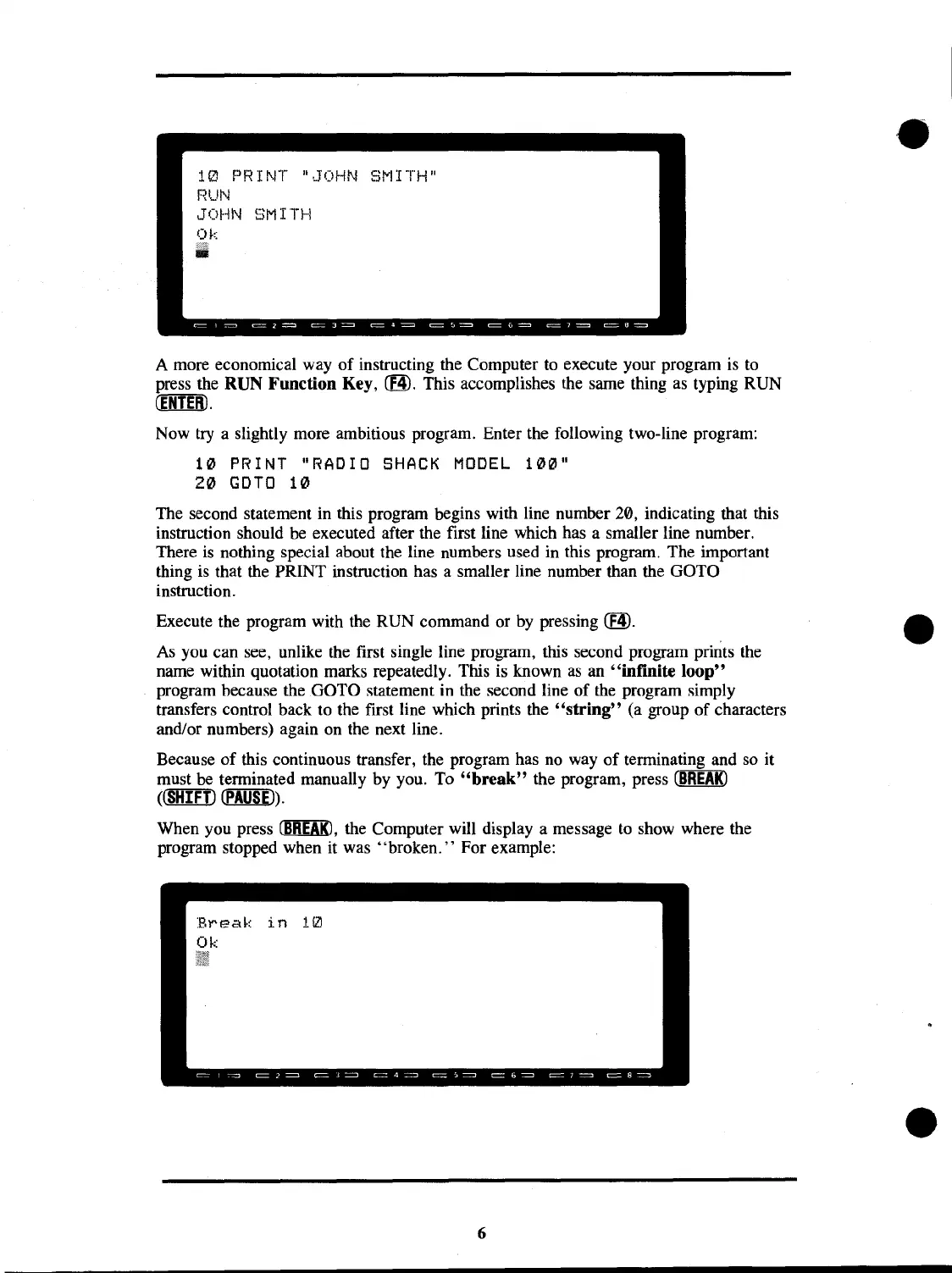
When you press
~,
the Computer will display a message
to
show where the
program stopped when it was "broken. " For example:
in
10
6



 To Next Page
 Loading...










