When the command CLOAD
"PROG
I"
is entered, the Computer searches the tape
until a program stored under the name
"PROG
I"
is found. This program
is
then read
into working memory.
The command
LOAD
II
CAS
:jilename"
(ENTER)
may be used in place of CLOAD "filename". Remember that filename specifies the
name
of
the program you wish to LOAD from the cassette.
Delete the program from working memory with the NEW command and verify that it
has been erased by using the LIST command.
Rewind the cassette and press the play key. This time type the command:
CLOAD
COOfR)
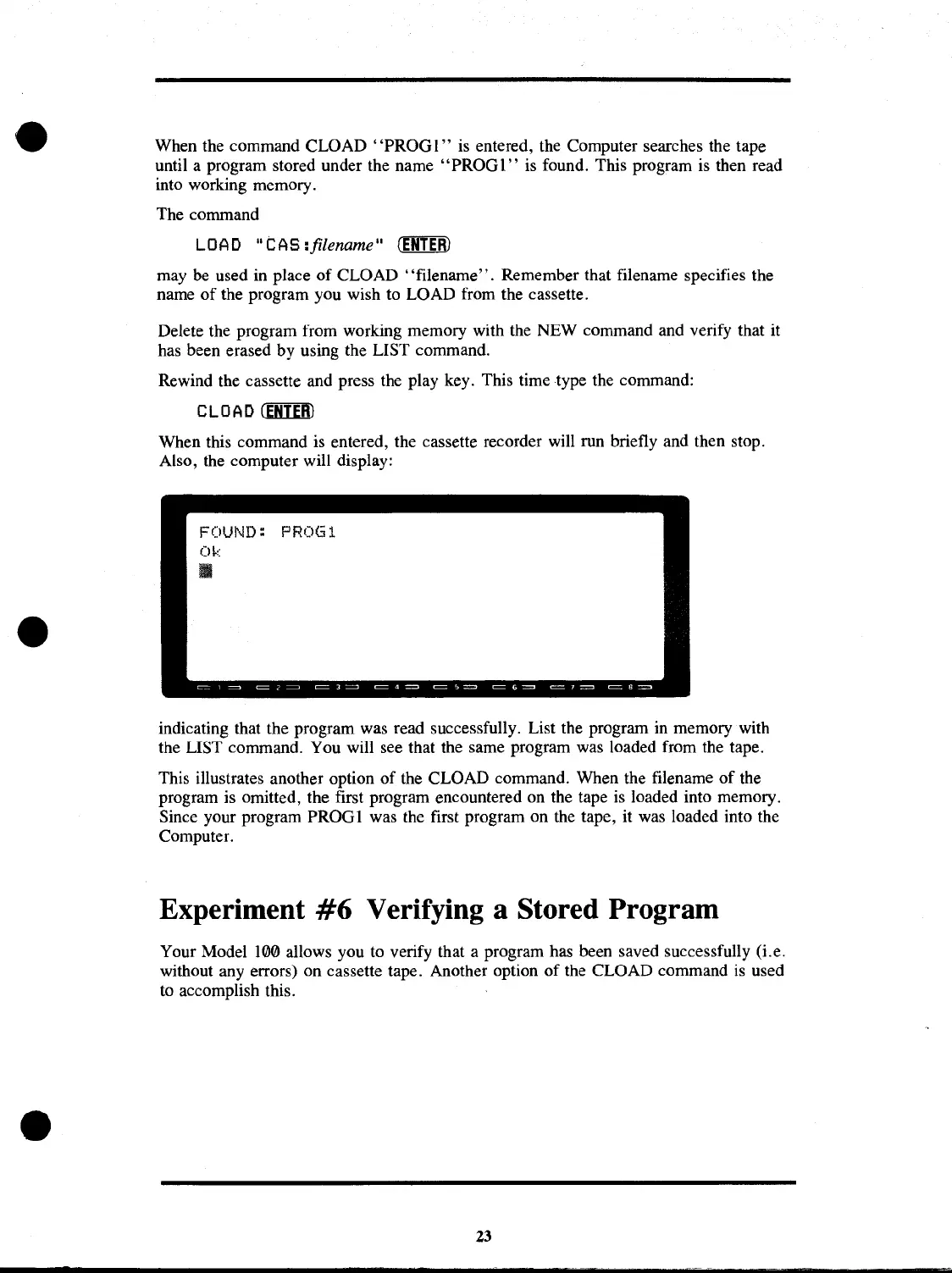
When this command
is
entered, the cassette recorder will run briefly and then stop.
Also, the computer will display:
FOUND:
PROGl
Ok
II
indicating that the program was read successfully. List the program
in
memory with
the LIST command. You will see that the same program was loaded from the tape.
This illustrates another option
of
the CLOAD command. When the filename
of
the
program is omitted, the first program encountered on the tape
is
loaded into memory.
Since your program PROGI was the first program on the tape, it was loaded into the
Computer.
Experiment
#6
Verifying a Stored Program
Your Model 100 allows you to verify that a program has been saved successfully (i.e.
without any errors) on cassette tape. Another option
of
the CLOAD command
is
used
to accomplish this.
23



 To Next Page
 Loading...










