7
Verify that the program still resides in working memory with the LIST command.
If
it
has been deleted, load it from the cassette tape or type it in from the keyboard. Here
is
the listing again:
LIs'r
10
PRINT
"THIS
IS
A TEST"
20
PRINT "OF
THE
MODEL
100
COMPUTER"
30
PRINT
"AND
ITS
ABILITY
TO
STORE
FILES
Rewind the cassette tape containing the program and press the PLAY key on the
recorder.
Type the command
CLOAD?
II
PROG
1"
(ENTER)
The recorder will run briefly and then stop. The Computer will display:
Found:
PROGl
OK
In this case, the program stored on tape was not SAVEd into working memory, but
was compared, character by character, with the program already in working memory.
If
an inconsistency
is
found at any point, an error message will be displayed,
indicating that the prugram
saved on the cassette tape
was
not the same
as
the one in
working memory.
If
an error has occured, you can reSA
VE
the program and use the CLOAD? command
again to check the saved program.
As
with the CLOAD command,
if
the file name is omitted from the CLOAD?
command, the first program encountered on the tape is compared with the program in
working memory.
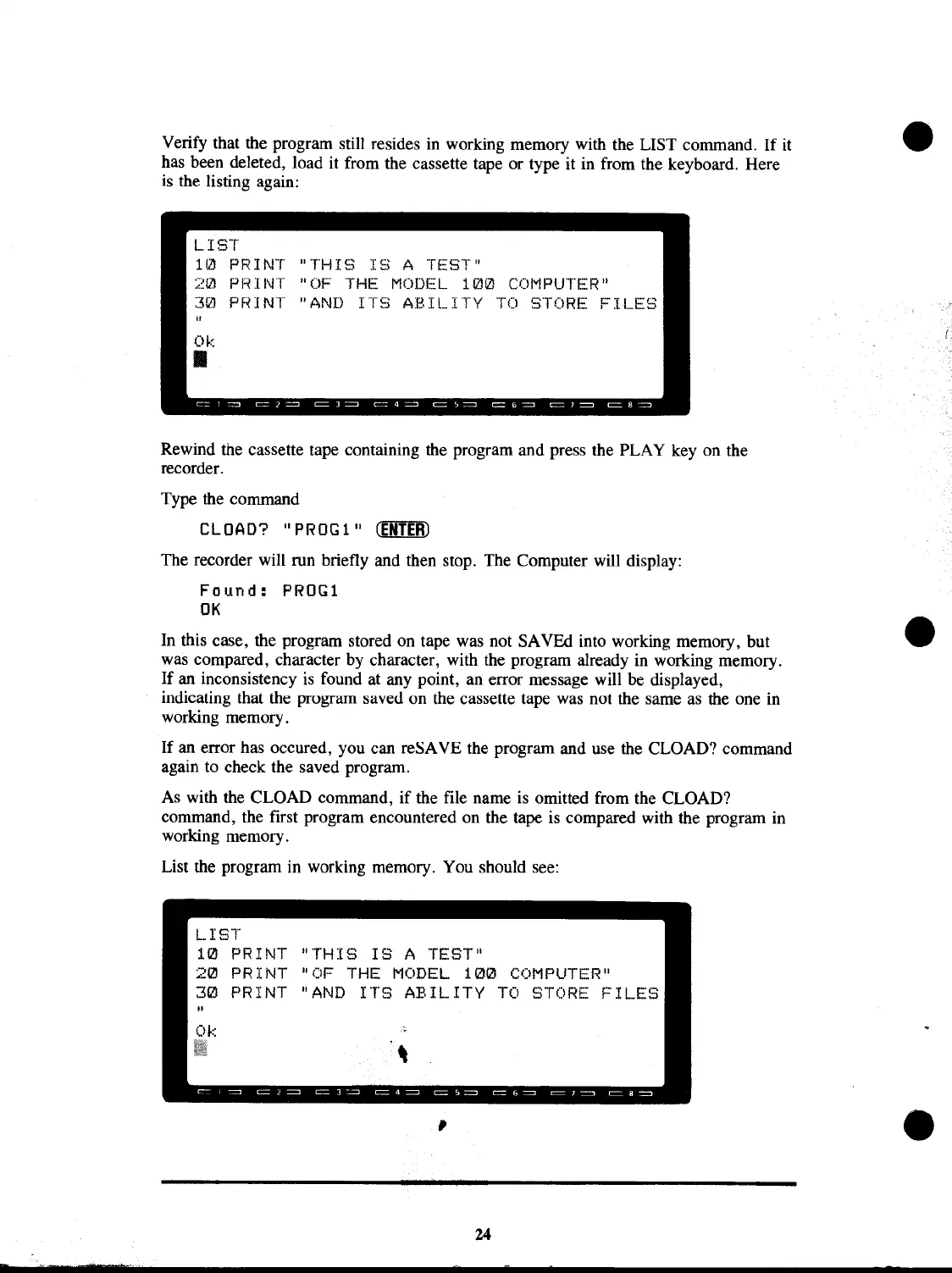
List the program in working memory. You should see:
LIST'
10
PRINT
"THIS
IS
A TEST"
PRINT "OF
THE
MODEL
10121
COMPUTER"
PRINT
"AND
ITS
ABILITY
TO
STORE
FILES
,
24



 To Next Page
 Loading...










