Making Video Calls between Lync Clients and H.323 Devices | 8
RADVISION | User Guide for SCOPIA Video Gateway for Microsoft Lync Version 7.7
Step 4 If necessary, add the Auto Attendant to your Contact List:
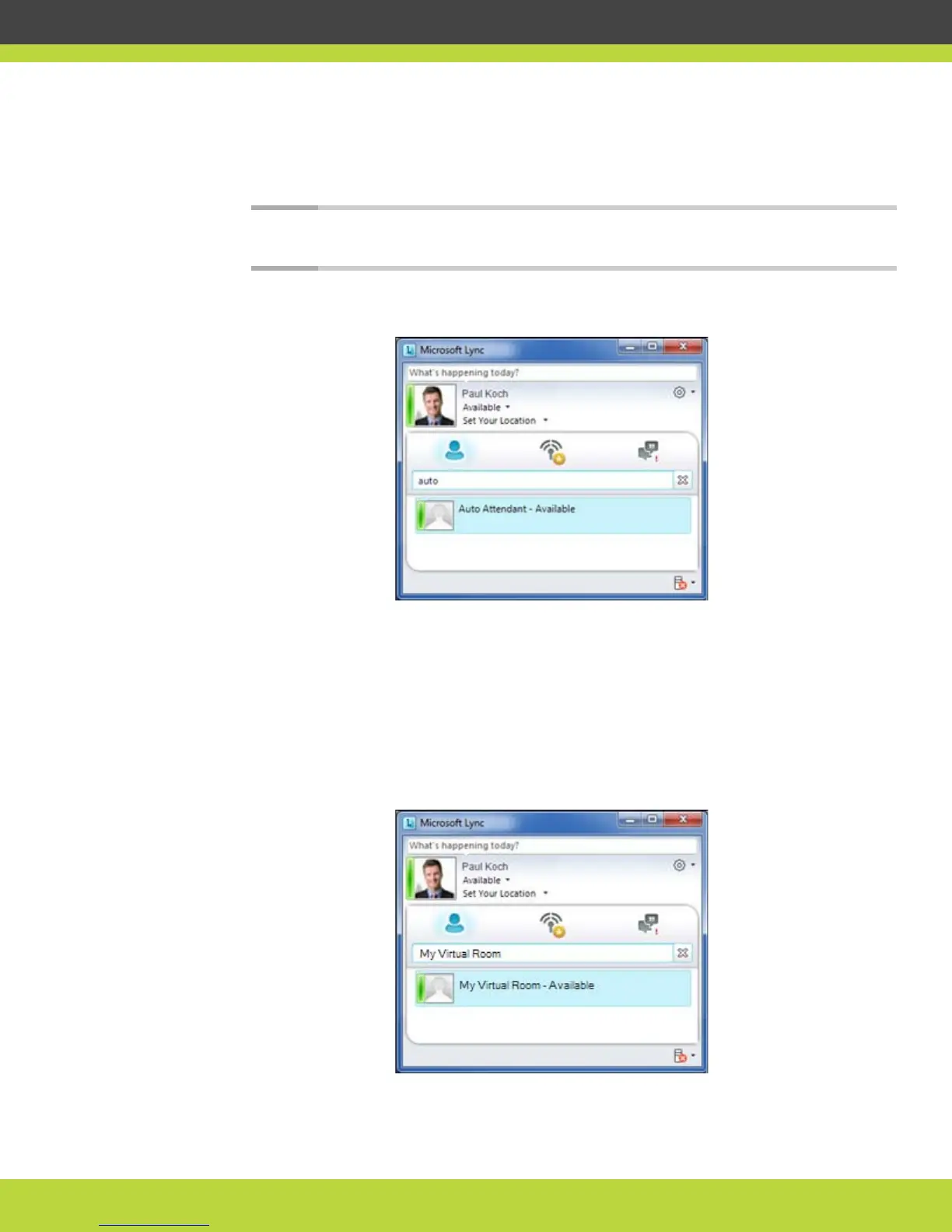
a. Type “auto” in the Search box.
The Auto Attendant contact is displayed.
Note: If the list is empty, ask your video network administrator for the name given to the
Auto Attendant, and type that name into the Search box.
Figure 1-8 The Auto Attendant contact
b. Right-click the Auto Attendant contact and select Add to Contact List > Other Contacts.
The Auto Attendant is added to your Contact List.
Step 5 Add your personal virtual room to your Contact List:
a. Type the name of your personal virtual room in the Search box (My Virtual Room in the
example shown in Figure 1-9 on page 8).
The personal virtual room contact is displayed.
Figure 1-9 The personal virtual room contact



 To Next Page