Making Video Calls between Lync Clients and H.323 Devices | 12
RADVISION | User Guide for SCOPIA Video Gateway for Microsoft Lync Version 7.7
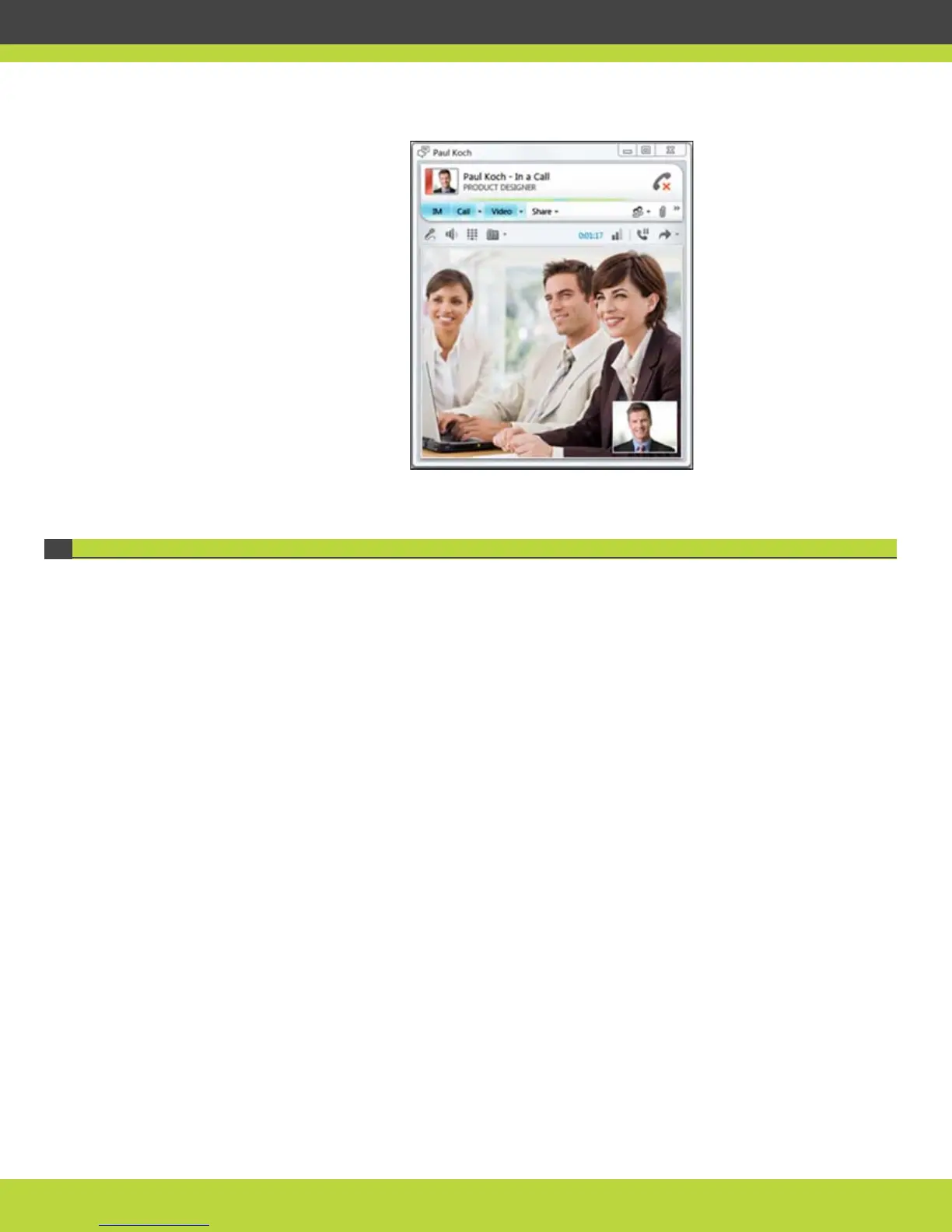
Figure 1-13 The Lync Client window showing video from the meeting room
Making a Video Call from a Lync Client to a Public H.323 Endpoint
You can make a video call from your Lync Client to a meeting room equipped with the H.323 room
system and located outside the organization‘s firewall. The meeting room user needs to provide
you with an IP address and a calling number prior to call setup.
Ask your video network administrator which one of these URI dialing formats you can use for
calling the public H.323 endpoint:
• 1.2.3.4@external.com. In this instance you dial the IP address of the H.323 endpoint followed
by a domain name that your video network administrator has allocated for calling public
H.323 endpoints.
• 123@1.2.3.4. In this instance you dial the H.323 calling number followed by its IP address.
You can add this contact to your List of Contacts; the contact’s presence is always unknown.
Procedure
Step 1
Open the Lync Client.
Enter the public IP address of the H.323 endpoint you want to call.
Step 2 Select Start a Video Call.



 To Next Page