Making Video Calls between Lync Clients and H.323 Devices | 11
RADVISION | User Guide for SCOPIA Video Gateway for Microsoft Lync Version 7.7
Making a Video Call from a Lync Client to an H.323 Endpoint
You can make a video call from your Lync Client to a meeting room equipped with the H.323 room
system in the same way as you make a video call to another Lync Client.
Procedure
Step 1
Open the Lync Client.
The Contact List is displayed.
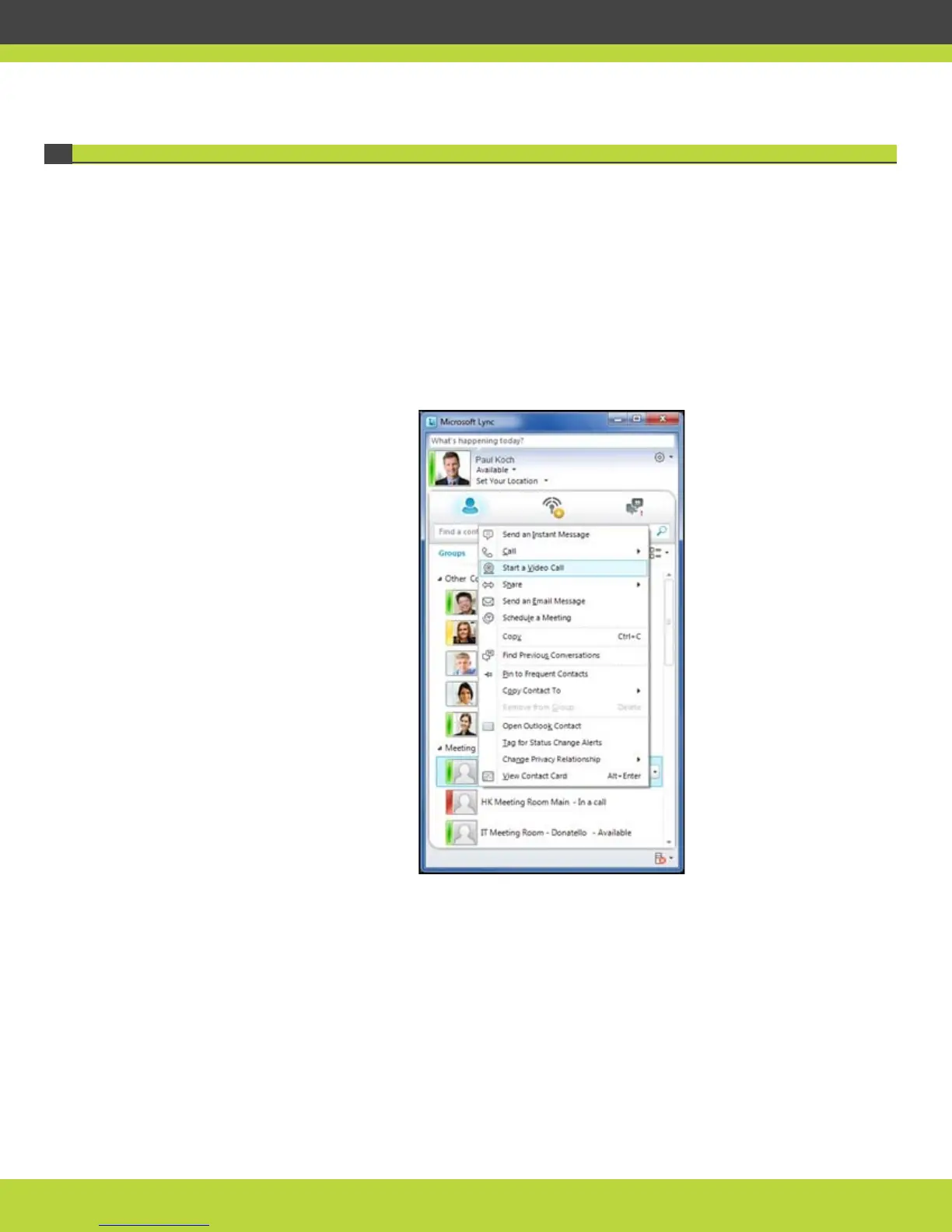
Step 2 Right-click the meeting room you want to call and select Start a Video Call.
Figure 1-12 Starting a video call from the Contact List
The video call is established. You can see participants in the meeting room.



 To Next Page