Making Video Calls between Lync Clients and H.323 Devices | 10
RADVISION | User Guide for SCOPIA Video Gateway for Microsoft Lync Version 7.7
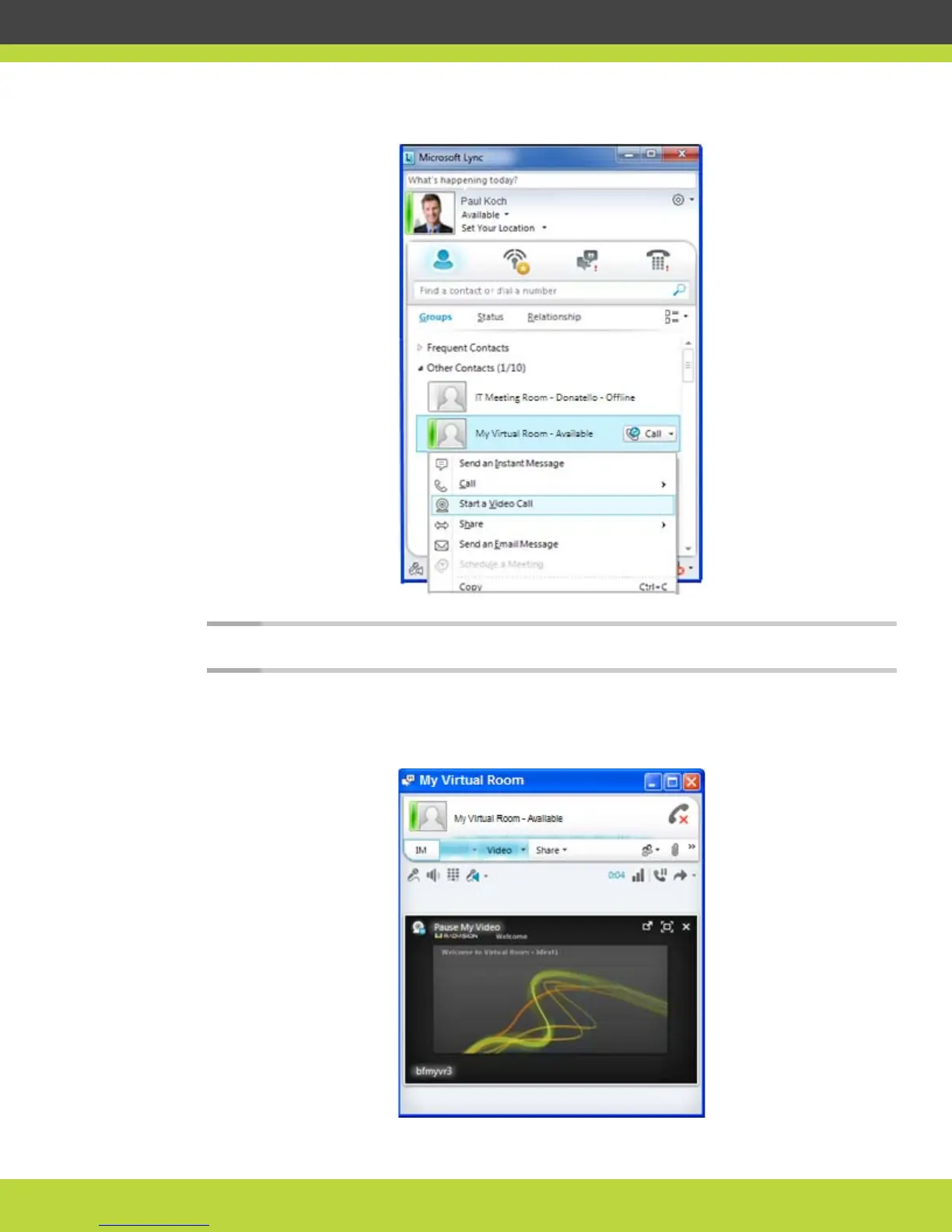
Figure 1-10 Accessing your personal virtual room
Note: Even when you’re in a call, the contact shows that your personal virtual room is available.
The welcome screen of your personal virtual room appears on the display.
Figure 1-11 The welcome screen of My Virtual Room



 To Next Page