Making Video Calls between Lync Clients and H.323 Devices | 16
RADVISION | User Guide for SCOPIA Video Gateway for Microsoft Lync Version 7.7
Procedure
Step 1 Open the Lync Client.
The Contact List is displayed.
Step 2 Right-click the Auto Attendant contact and select Start a Video Call.
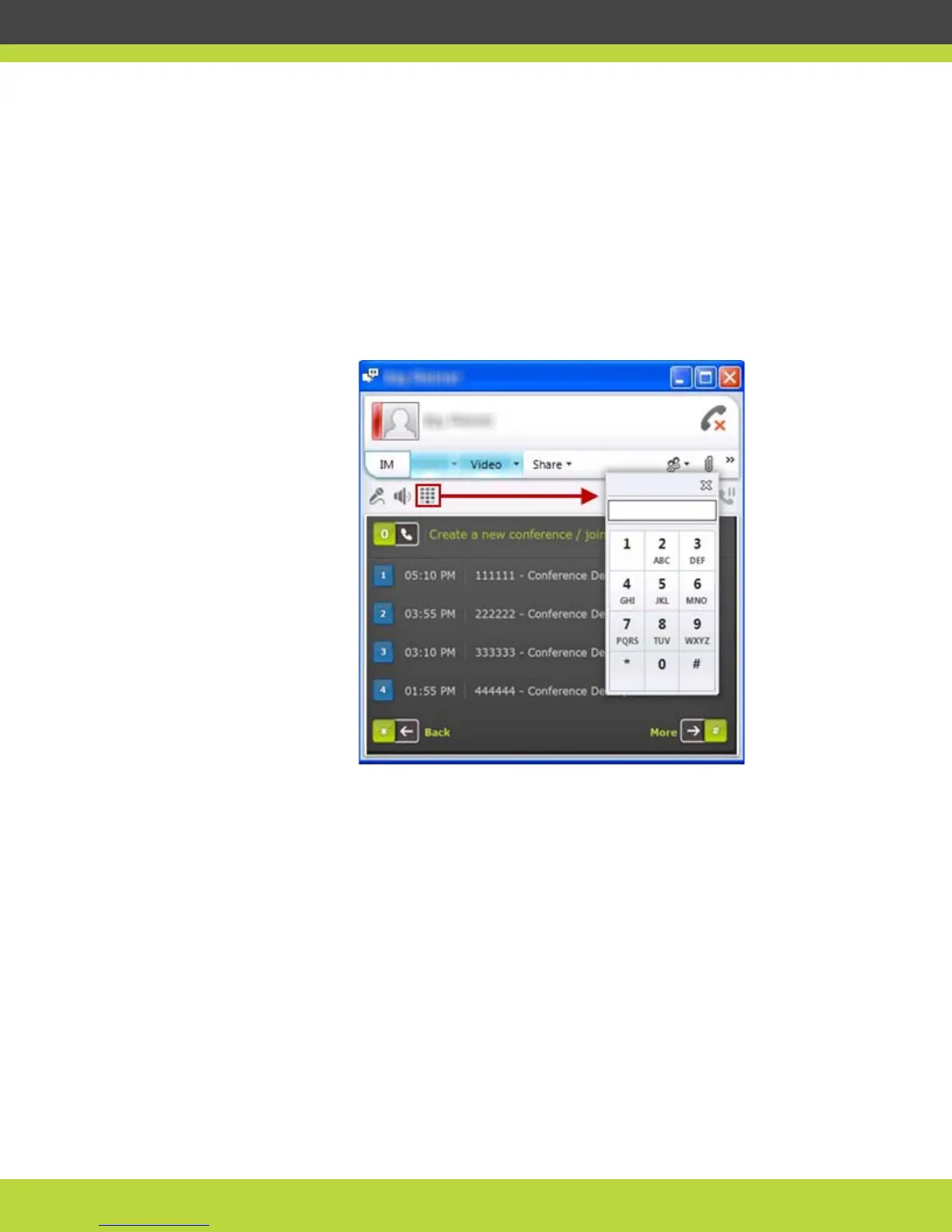
The video menu shows a list of conferences in progress, each clearly numbered.
Step 3 Select the number pad icon in the Lync window to open the Lync Client’s number dial pane
(Figure 1-17).
Figure 1-17 Using Lync’s dial pad to choose a conference on the Auto Attendant
Step 4 Enter the number corresponding to the displayed conference you wish to join.
The videoconference window is displayed, showing the conference view with several participants.



 To Next Page