Making Video Calls between Lync Clients and H.323 Devices | 6
RADVISION | User Guide for SCOPIA Video Gateway for Microsoft Lync Version 7.7
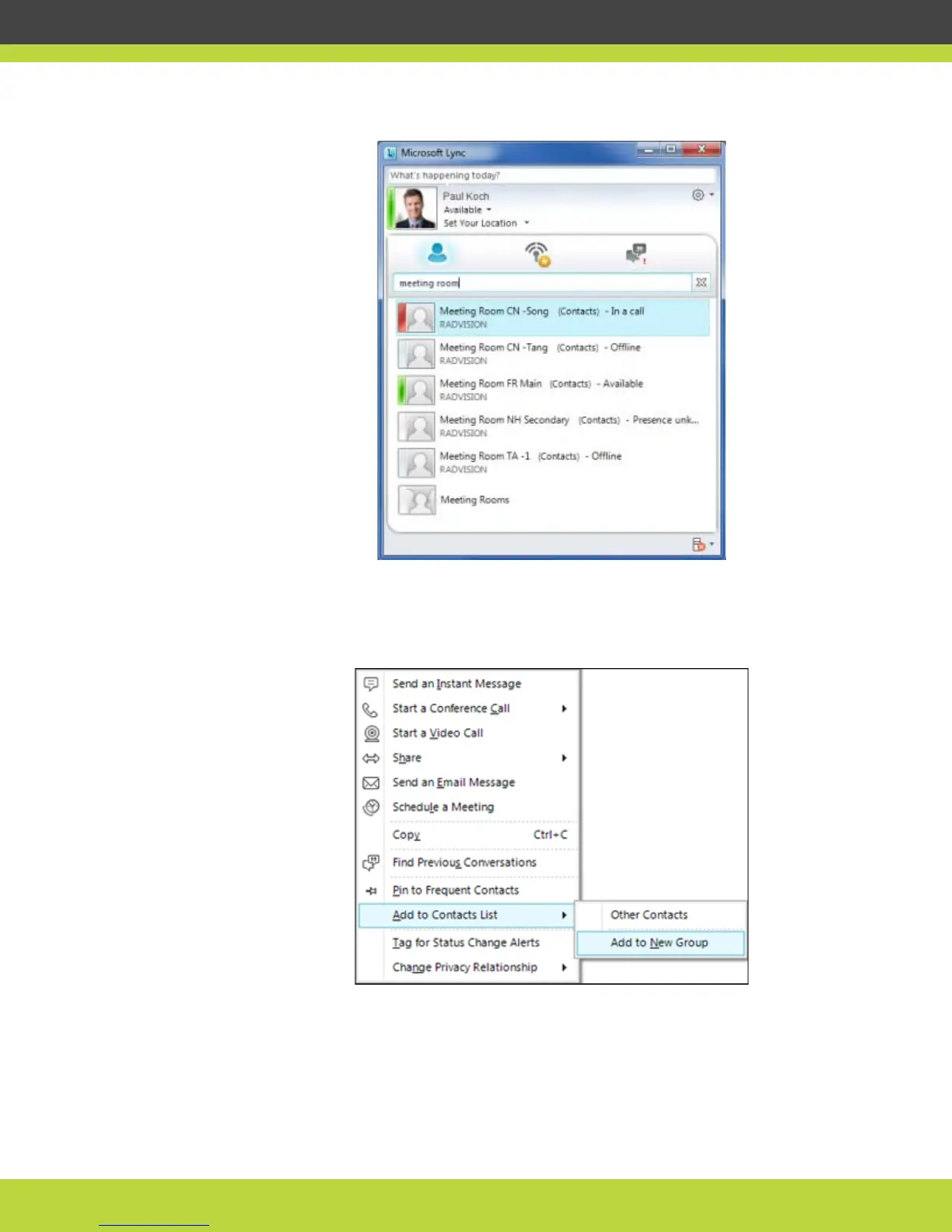
Figure 1-4 A list of meeting rooms
b. Hold down the Ctrl key and select the required meeting rooms.
c. Right-click and select Add to Contacts List.
Figure 1-5 Right-click menu showing Add to New Group option
The meeting rooms you selected appear under the new group heading.



 To Next Page