27
2.1/ Controller status screen
You have now completed all programming for automatic irrigation.
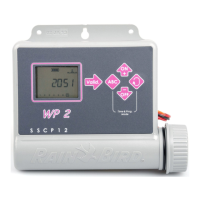
This screen shows current time, system ON/OFF, etc.
When screen is blank, this screen will appear if you press any key.
Note: to return to the programming menu press both the
and
keys simultaneously.
Optional functions follow. Press the
key.
2.2/ Réglage du Rain Delay
You can delay watering from 1 to 15 days during rainy weather.
Press the
or keys to make the settings. The icons
and
icon appear in all screens. Each day the controller
counts down the number of days remaining before automatic
irrigation programs will resume normal watering schedules. Restart
is automatic.



 To Next Page