15
4 Power on and off
4.1 Starting the instrument 15
4.2 Troubleshooting 18
4.3 Going into standby 19
4.4 Shutting down the instrument 19
4.1 Starting the instrument
4.1.1 Turning on the hardware
STEP 1 ► Before turning on the lithography system make sure that all the
electrical, gas and cooling water supply are given and within the
specification. If existent and necessary, turn on the water chiller.
STEP 2 ► Turn on the power switch at the rear side of the instrument.
Figure 1 Main switch
connecting system to
power outlet.
If this was not vented, plug in the Airlock cable at the back of the
system.
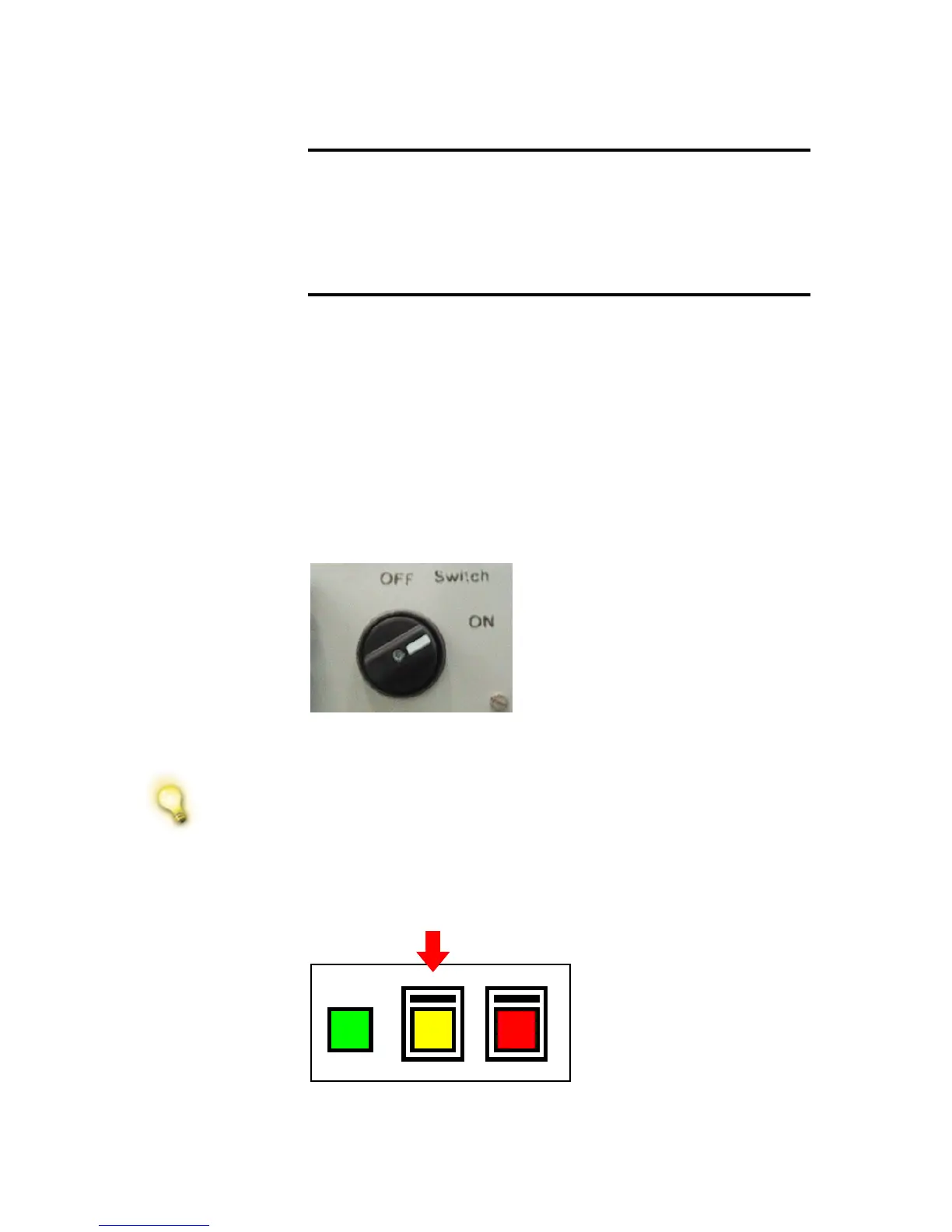
STEP 3 ► Press the yellow standby button at the front side of the instrument and
wait at least 5 seconds before continuing. The vacuum pumps will
start.
Figure 2 Power
switch; use yellow
button for Standby
STEP 3 ► Press the green ON button at the front side of the instrument.



 To Next Page