4.3 Going into standby
19
PROBLEM 3 ► The communication between the Raith PC and the High Speed Pattern
Generator failed.
Cause / solution The High Speed Pattern Generator hangs up or was turned off when
the Raith PC was booting. Reset the High Speed Pattern Generator
and restart the software.
If the communication still fails reset the High Speed Pattern Generator
and reboot the Raith PC.
4.3 Going into standby
STEP 1 ► Turn off EHT.
STEP 2 ► Turn of the gun.
STEP 3 ► Close the both programs on column and lithography PC. Shut down
the both PC’s.
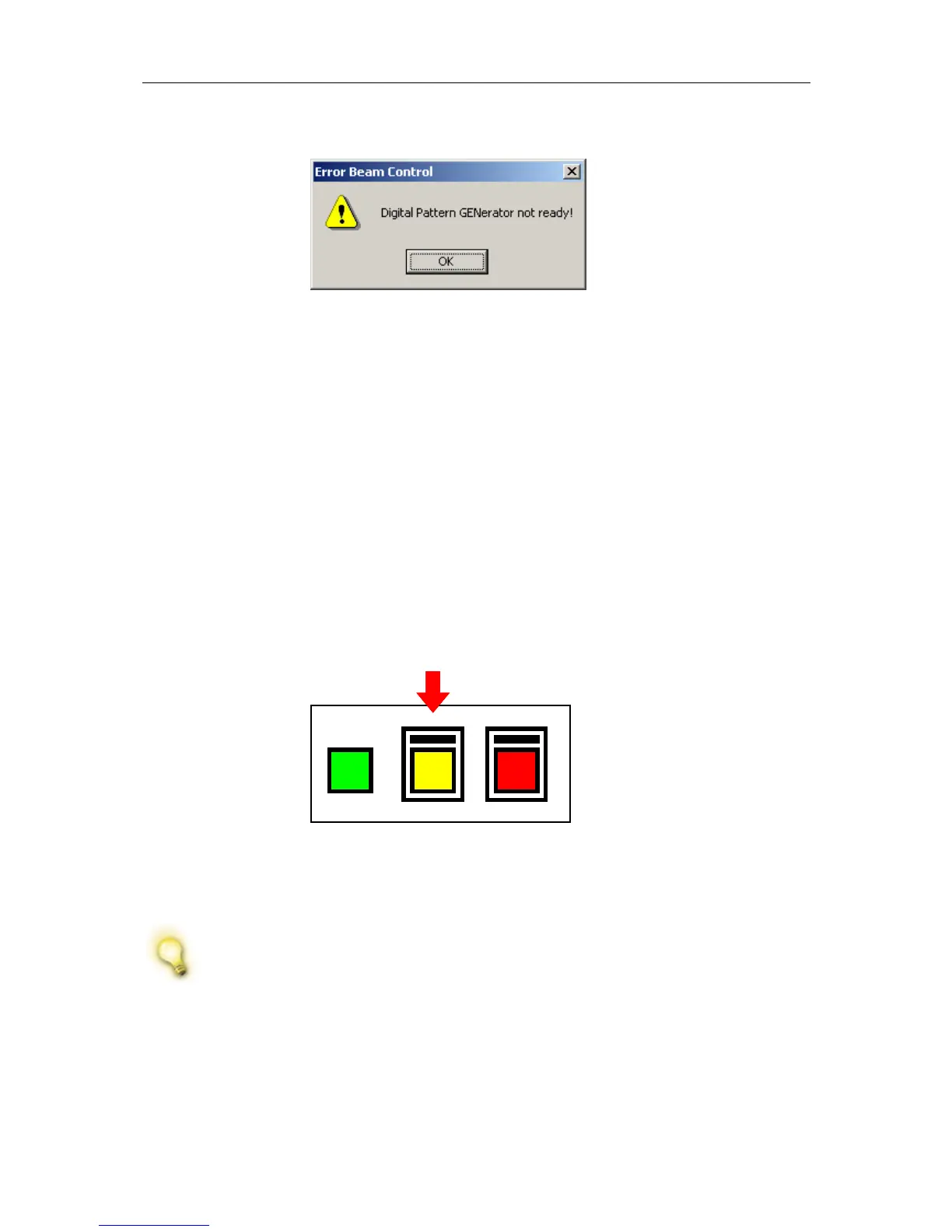
STEP 4 ► Press the YELLOW “STANDBY” button on the front of the system.
Figure 4 Power
switch; use yellow
button for Standby.
4.4 Shutting down the instrument
If this is not an emergency shut down, disconnect the Airlock cable on
the back of the system. This prevents the system from venting.
STEP 5 ► Press the RED “OFF” button on the front of the system. The vacuum
pumps will stop.



 To Next Page