4.1 Starting the instrument
17
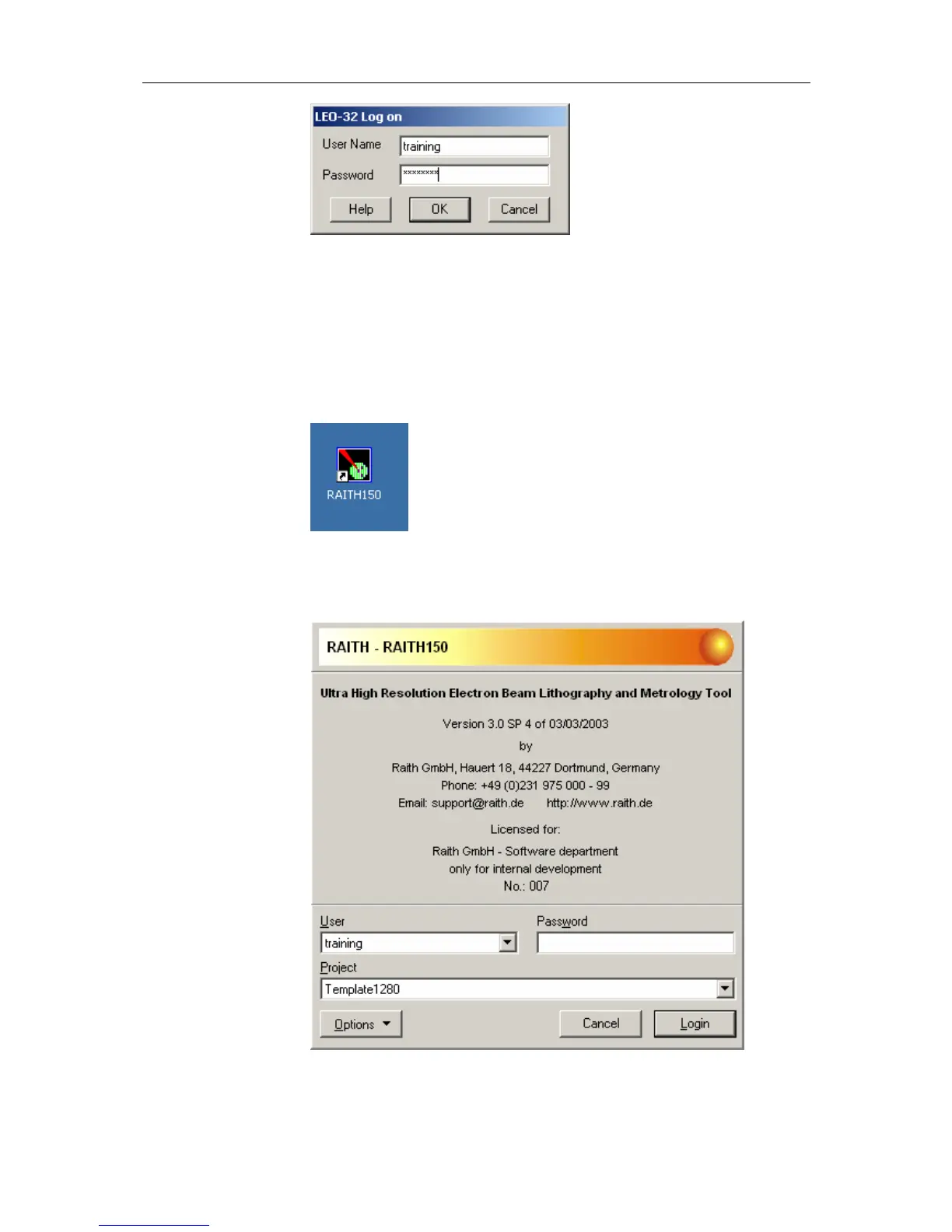
4.1.3 Starting the lithography software
STEP 1 ► Login at the windows system with your assigned user account or as
the user “training”, password “training”
STEP 2 ► The lithography software is starting automatically. If not, double click
on the corresponding link on the desktop.
STEP 3 ► The login screen of the lithography software opens. Select your
assigned user or use user “training” and type in the corresponding
password (“training”)
Select the desired project or choose “Template1280” and press the
Login Button. The software starts loading the necessary modules.



 To Next Page