WARNING ALERTS
Rear Distance
(in/cm)
Greater than
79 in (200 cm)
79-39 in
(200-100 cm)
39-25 in
(100-65 cm)
25-12 in
(65-30 cm)
Less than
12 in (30 cm)
Audible Alert
Chime
None Single 1/2
Second Tone
Slow Fast Continuous
Display Message Park Assist
System ON
Warning Object
Detected
Warning Object
Detected
Warning Object
Detected
Warning Object
Detected
Arcs None 3 Solid
(Continuous)
3 Slow
Flashing
2 Slow
Flashing
1 Slow
Flashing
Radio Volume
Reduced
No Yes Yes Yes Yes
NOTE: ParkSense威 will reduce the volume of the radio,
if on, when the system is sounding an audio tone.
Enabling And Disabling ParkSense姞
ParkSense威 can be enabled and disabled with a switch
located in the switch bank of the instrument panel or
through the Customer-Programmable Features section of
the EVIC. The available choices are: OFF, Sound Only, or
Sound and Display. Refer to “Electronic Vehicle Informa-
tion Center (EVIC)/Personal Settings (Customer-
Programmable Features)” in “Understanding Your In-
strument Panel” for further information.
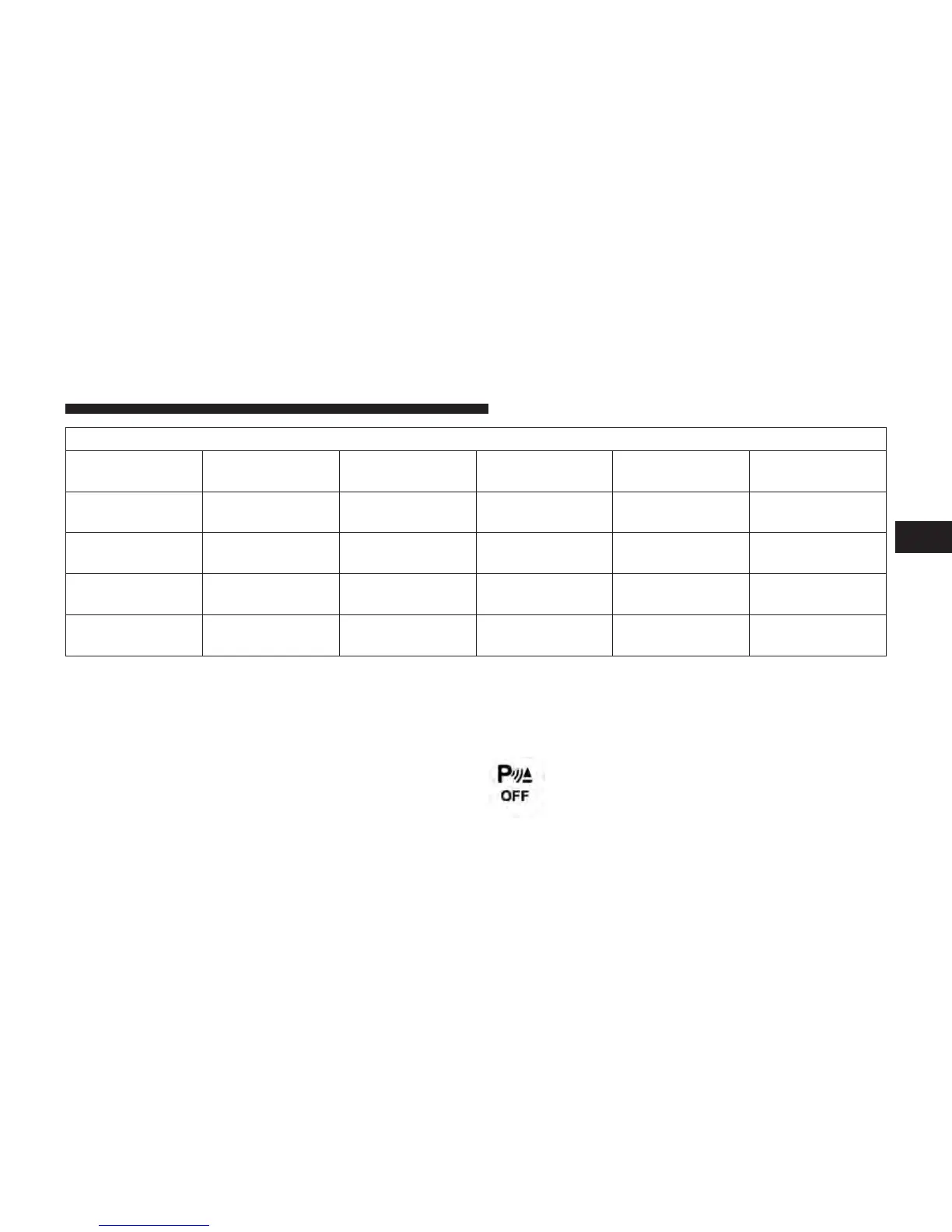
When the ParkSense威 switch is pressed to
disable the system, the instrument cluster will
3
UNDERSTANDING THE FEATURES OF YOUR VEHICLE 179



 To Next Page