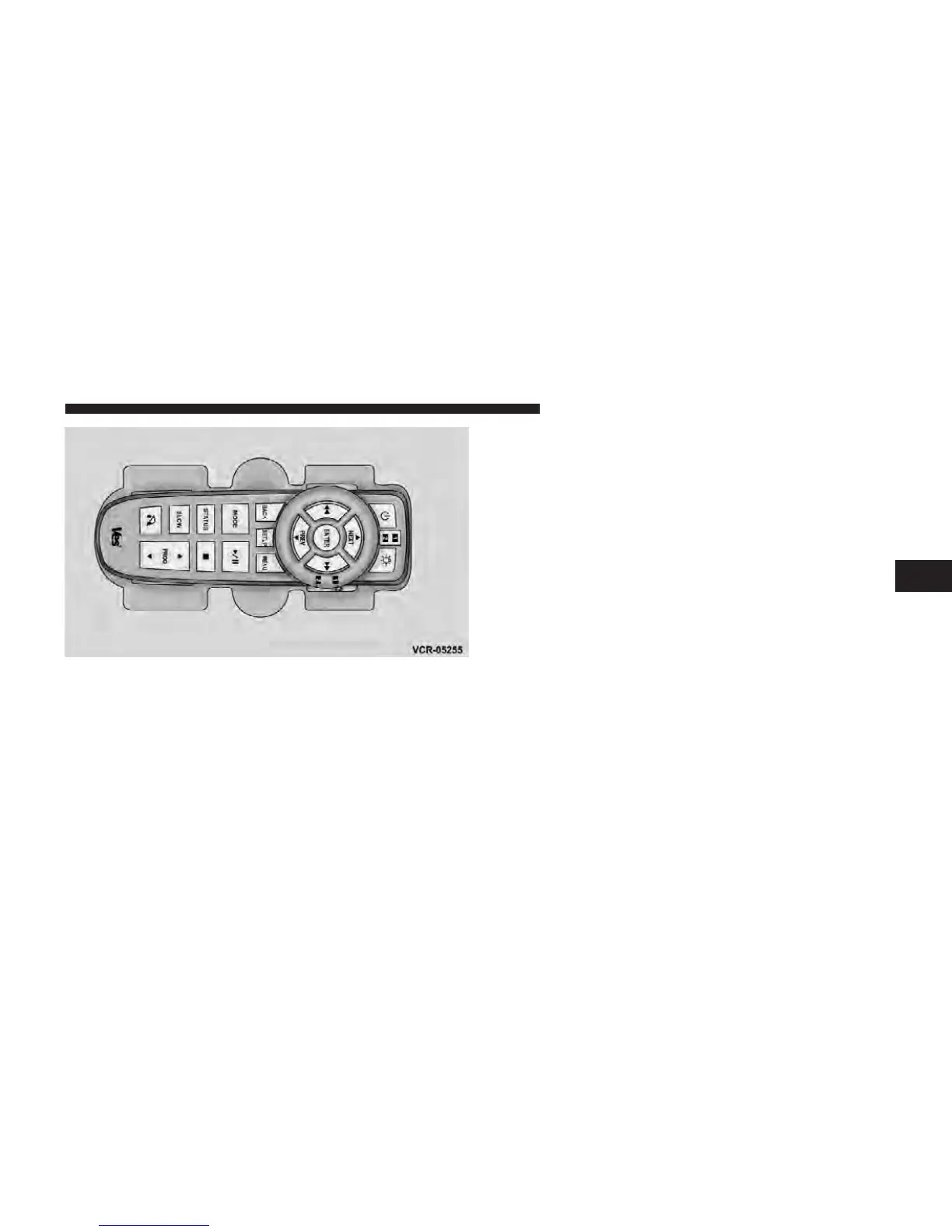
Locking The Remote Control
All remote control functionality can be disabled as a
parental control feature.
•
To disable the Remote Control from making any
changes, press the Video Lock button add follow the
radio’s instructions (select menu, rear ves, lock). If the
vehicle is not equipped with a DVD player, follow the
radio’s instructions to turn Video Lock on. The radio
and the video screen(s) indicate when Video Lock is
active.
•
Pressing the Video Lock again or turning the ignition
OFF turns Video Lock OFF and allows remote control
operation of the VES™.
Replacing The Batteries
The remote control requires two AAA batteries for op-
eration. To replace the batteries:
•
Locate the battery compartment on the back of the
remote, then slide the battery cover downward.
•
Replace the batteries, making sure to orient them
according to the polarity diagram shown.
•
Replace the battery compartment cover.
The Remote Control Storage
4
UNDERSTANDING YOUR INSTRUMENT PANEL 333



 To Next Page