•
Customer Programmable Features (System Setup)
•
Trip Information (in Odometer line)
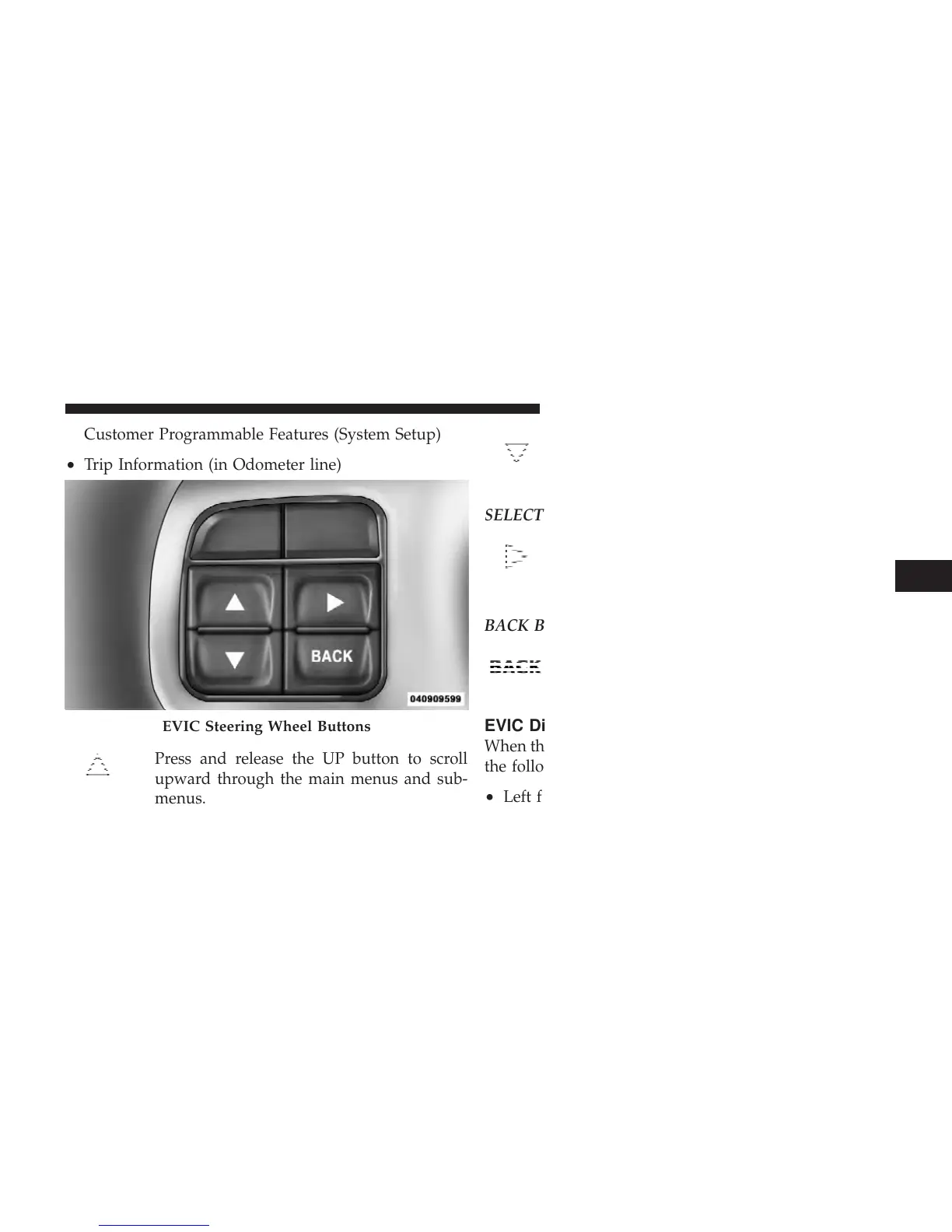
Press and release the UP button to scroll
upward through the main menus and sub-
menus.
Press and release the DOWN button to scroll
downward through the main menus and sub-
menus.
SELECT Button
Press and release the SELECT button for access
to main menus or sub-menus. Press and hold
the SELECT button for two seconds to reset
features.
BACK Button
Press the BACK button to scroll back to a
previous menu or sub-menu.
EVIC Displays
When the appropriate conditions exist, the EVIC displays
the following messages:
•
Left front turn signal lamp out
EVIC Steering Wheel Buttons
4
UNDERSTANDING YOUR INSTRUMENT PANEL 267



 To Next Page