Or
Press the LOAD button then corresponding number (1–6)
where the DVD is to be loaded (Non-Touch-Screen).
2. Insert the DVD with the label facing up. The radio
automatically selects the appropriate mode after the disc
is recognized and displays the menu screen or starts
playing the first track.
3. Ensure the VES™ Remote Control and the Headphone
switch is on Channel 1.
Using The Remote Control
1. Press the MODE button on the Remote Control.
2. While looking at the video screen, highlight DISC by
either pressing Up/Down/Left/Right buttons or by re-
peatedly pressing the MODE button, then press ENTER
on the Remote Control.
NOTE: The VES™ system will retain the last setting
when turned off.
Using The Touch-Screen Radio Controls
1. Press the MENU hard-key on the radio faceplate.
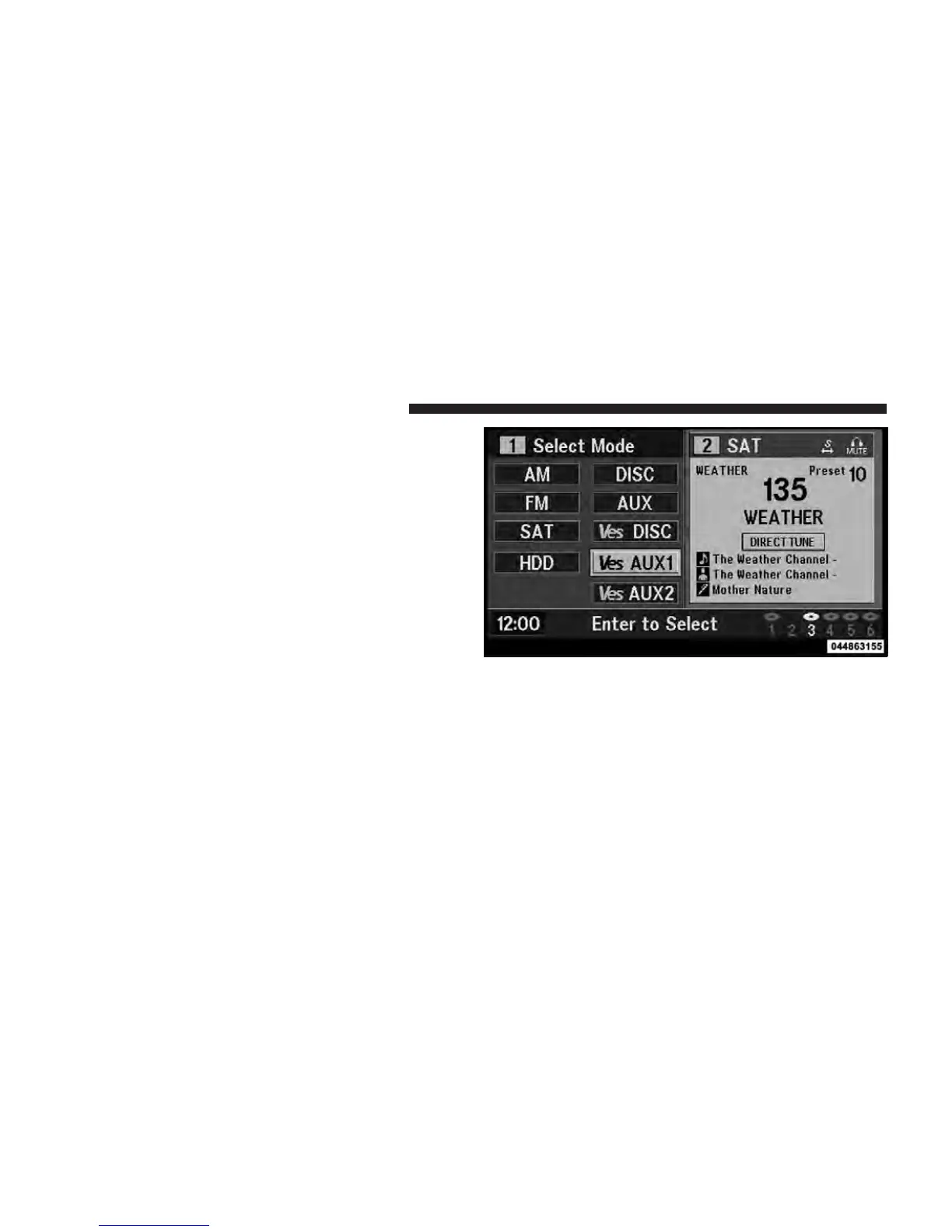
Select DISC Mode On The VES Screen
320 UNDERSTANDING YOUR INSTRUMENT PANEL



 To Next Page