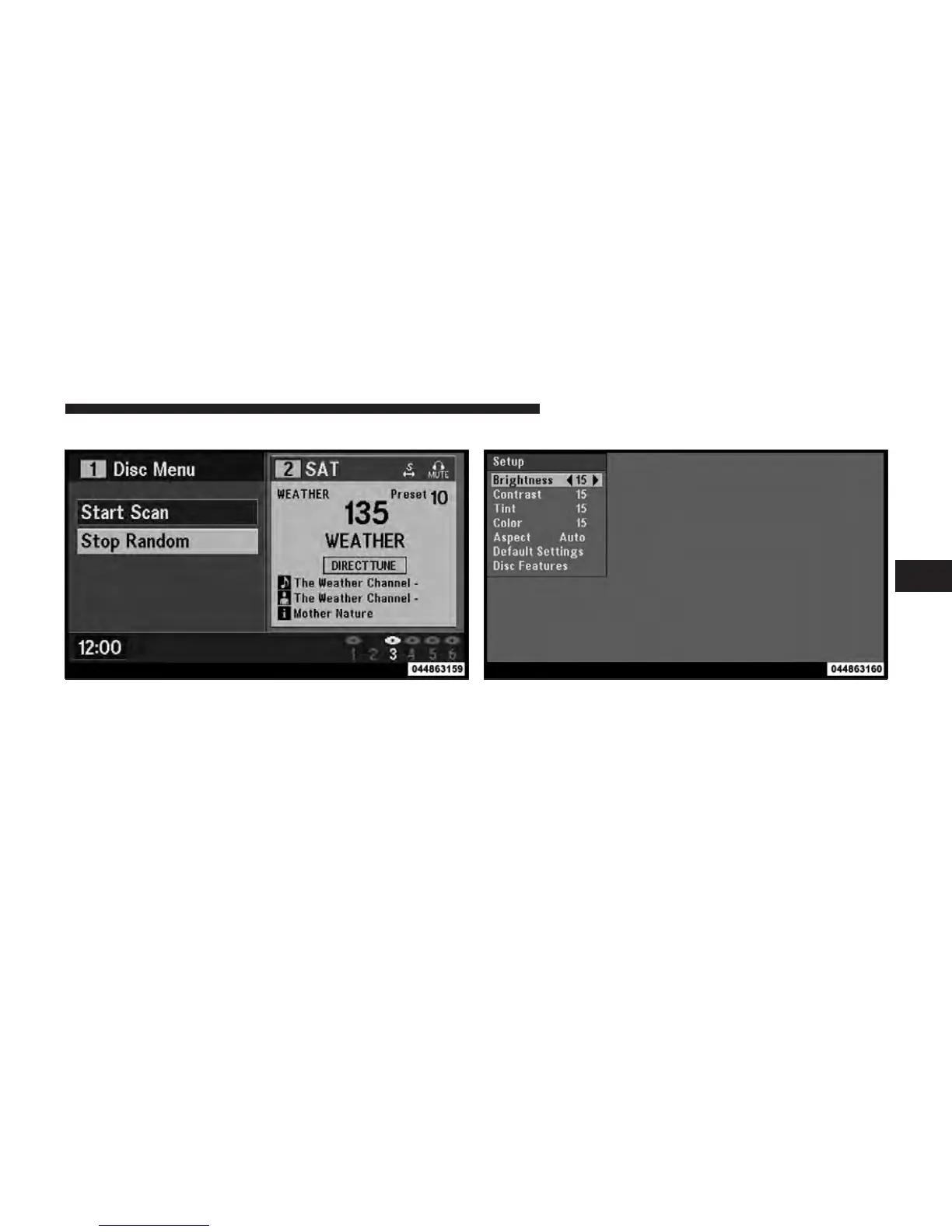
Disc Menu
When listening to a CD Audio or CD Data disc, pressing
the remote control’s MENU button displays a list of all
commands which control playback of the disc. Using the
options you can activate or cancel Scan play and Random
play.
Display Settings
When watching a video source (DVD Video with the disc
in Play mode, Aux Video, SIRIUS Backseat TV™, etc.),
pressing the remote control’s SETUP button activates the
Display Settings menu. These settings control the appear-
ance of the video on the screen. The factory default
Disc Menu For CDs Video Screen Display Settings
4
UNDERSTANDING YOUR INSTRUMENT PANEL 341



 To Next Page