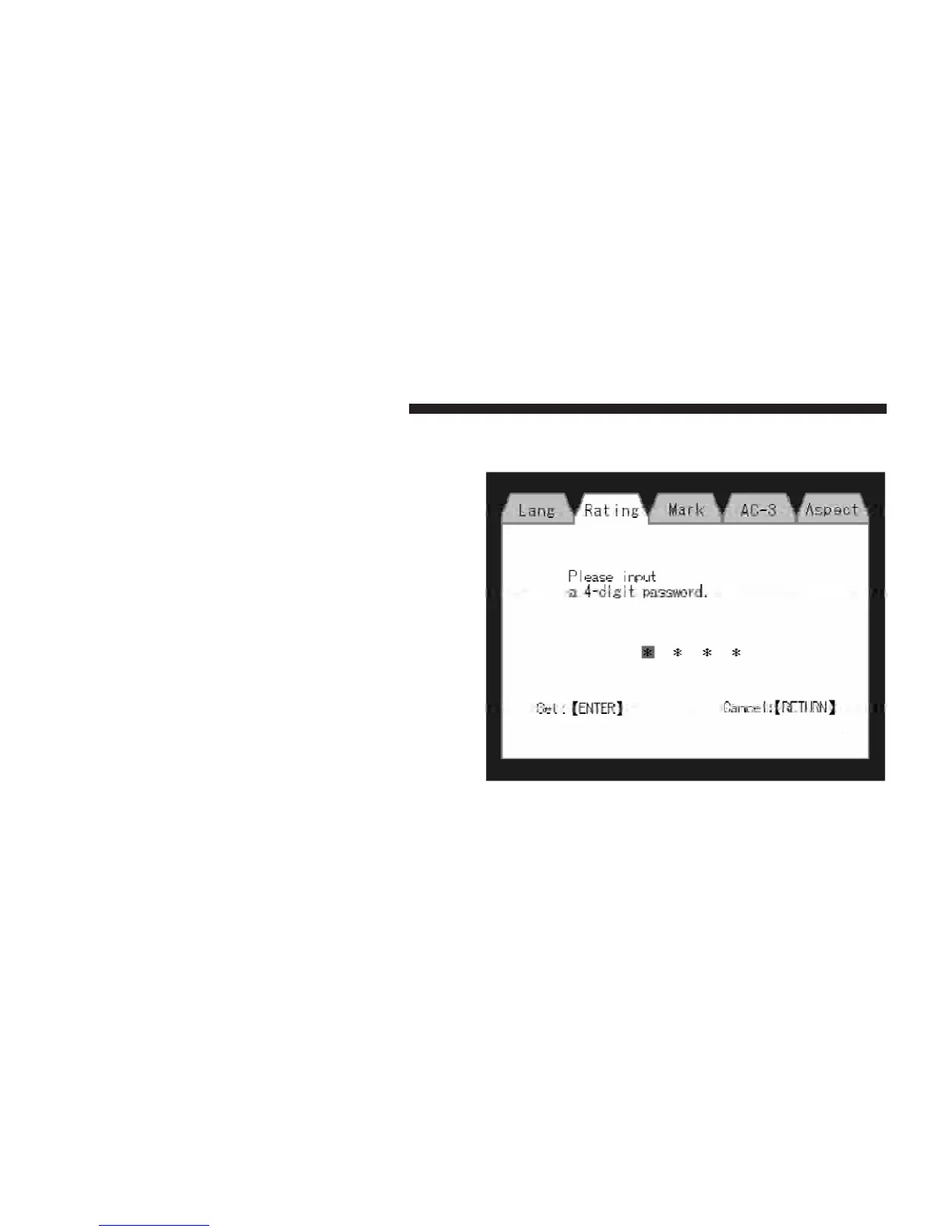
Rating and Password Setup
The Rating and Password settings work together to control
the types of DVDs that your family watches. Most DVD-
Video discs have a rating (from 1 to 8) assigned to them
where lower numbers are designated for all audiences and
higher numbers are designated for more adult audiences.
When a DVD-Video disc is loaded, its rating is compared
to the setting in the DVD player. If the rating of the disc
is higher than the setting in the player, a Password screen
is displayed. In order to watch the disc, the rear passen-
ger must enter the correct password using the password
entry method described below.
To play all discs without requiring a password, set the
DVD player’s rating to Level 8. Setting the rating to Level
1 always requires the password to play any DVD disc.
Not all DVD discs encode a Rating, so it is still possible
that discs designed for adult audiences can still play
without requiring a password.
The default rating is Level 8 (play all discs without a
password) and the default password is 0000.
DVD Password Entry
348 UNDERSTANDING YOUR INSTRUMENT PANEL



 To Next Page