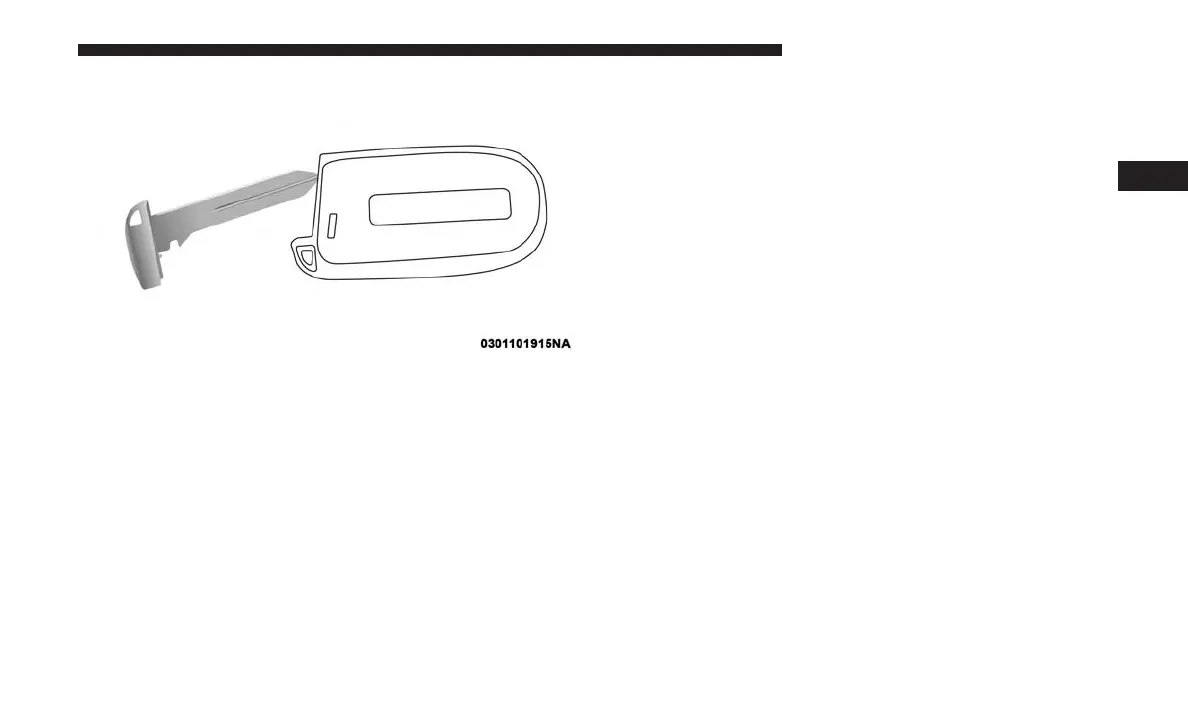
3. Remove the battery by turning the back cover over
(battery facing downward) and tapping it lightly on a
solid surface such as a table or similar, then replace the
battery. When replacing the battery, match the + sign on
the battery to the + sign on the inside of the battery clip,
located on the back cover. Avoid touching the new
battery with your fingers. Skin oils may cause battery
deterioration. If you touch a battery, clean it with
rubbing alcohol.
4. To assemble the key fob case, snap the two halves
together, reposition and secure the screw as shown in
step #2 for removal.
Programming Additional Key Fobs
Programming the key fob may be performed by an autho-
rized dealer.
General Information
The following regulatory statement applies to all radio
frequency (RF) devices equipped in this vehicle:
This device complies with Part 15 of the FCC Rules and
with Industry Canada license-exempt RSS standard(s).
Operation is subject to the following two conditions:
1. This device may not cause harmful interference, and
2. This device must accept any interference received, in-
cluding interference that may cause undesired opera-
tion.
NOTE: Changes or modifications not expressly approved
by the party responsible for compliance could void the
user’s authority to operate the equipment.
IGNITION SWITCH
Wireless Ignition Node (WIN) — If Equipped
The Wireless Ignition Node (WIN) operates similar to an
ignition switch. It has four operating positions, three with
Separating Key Fob Case
3
GETTING TO KNOW YOUR VEHICLE 25











 To Next Page