6 OverDryve
™
Quick Start Guide
Getting Started
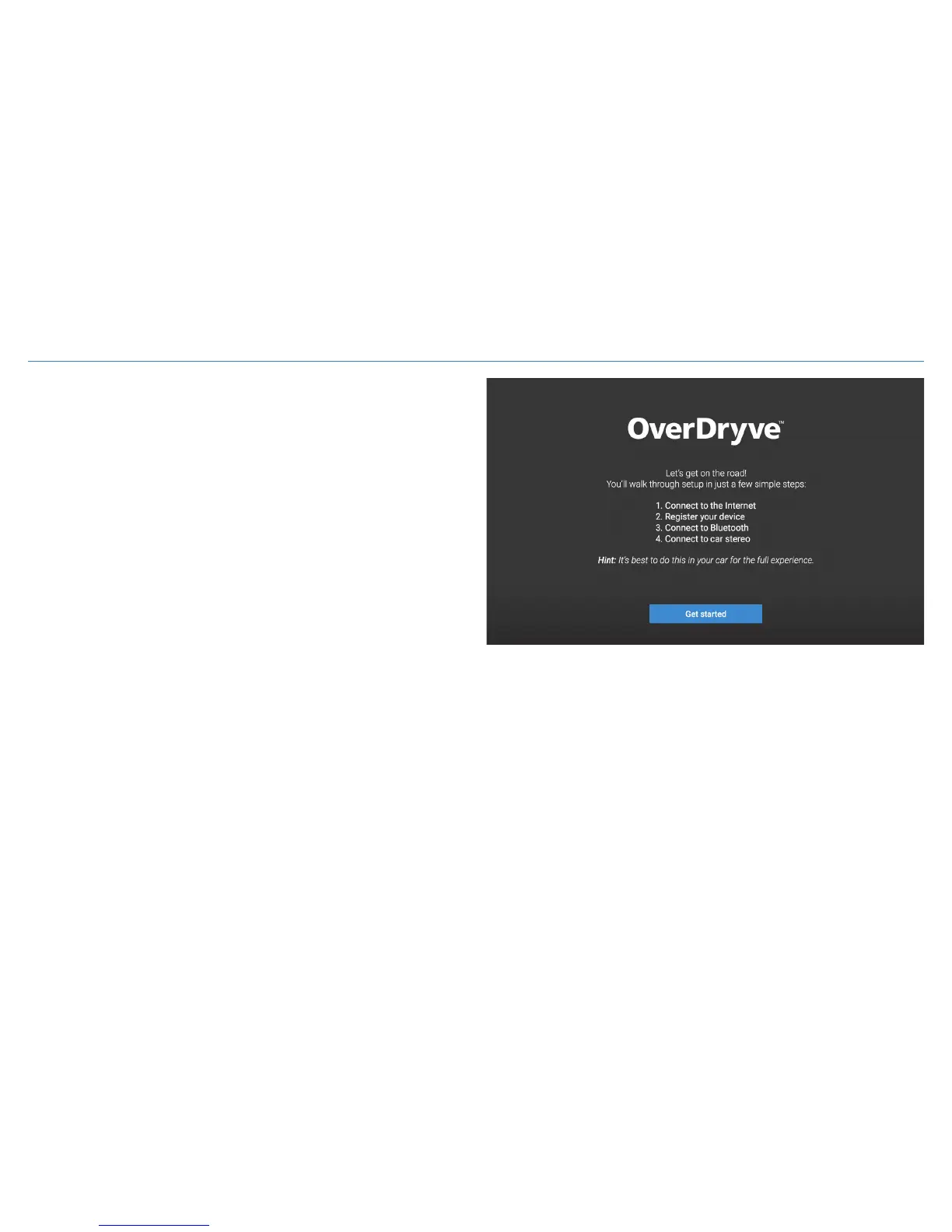
1. Connect to the Internet.
Connect to the Wi-Fi hotspot on your smartphone or to your
home Wi-Fi network.
2. Register your device with Rand McNally for updates and support.
3. Connect to Bluetooth.
Enable Bluetooth on your smartphone and pair with OverDryve
™
to use Bluetooth hands-free calling and texting, voice assistant,
and music streaming.
4. Connect to your car stereo system.
To stream audio to your car stereo system, the tablet must be in
car mode. To put the tablet in car mode, place it on the Smart
Mount and plug the mount into the power adapter. You can listen
to audio through any of the following four methods:
1. Plug an AUX cable into the Smart Mount and the AUX port in your car.
NOTE: The AUX cable must be plugged into the Smart Mount, not OverDryve
™
.
2. Use the Smart Mount speaker.
3. Use the FM Transmitter. To use the FM transmitter, attach the antenna to the Smart Mount.
On OverDryve
™
, tap Entertainment > FM Transmitter.
4. Add an AUX input to your existing car. Visit randmcnally.com/aux-install to learn more.







 To Next Page