12
Troubleshooting Table
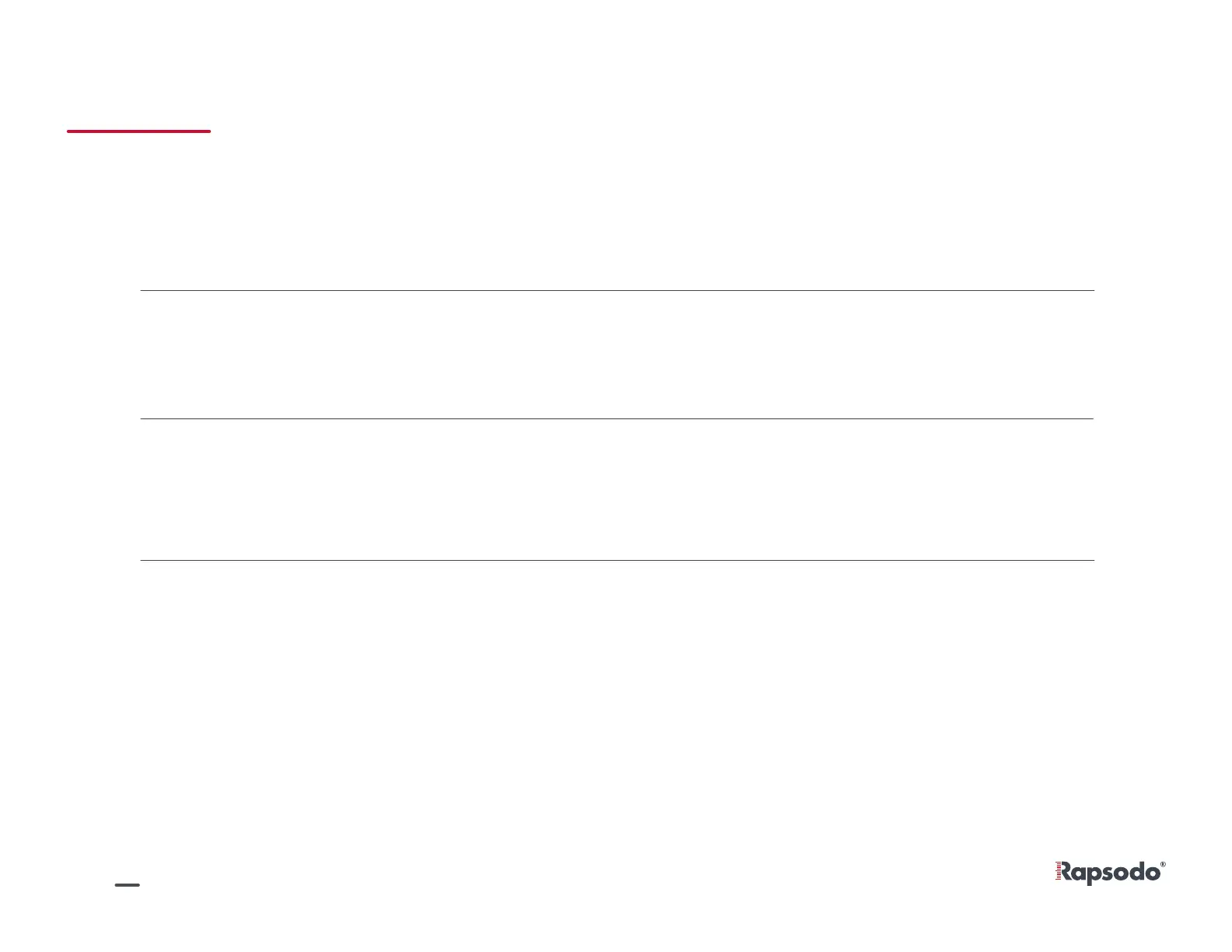
App shows low
monitor battery
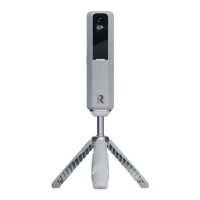
Charge RCE and monitor separately.
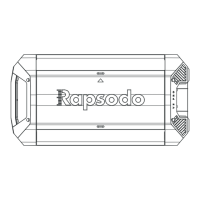
Make sure the tank is placed at 15’6” and you have correctly calibrated
the monitor.
Disconnect and reconnect to WI-FI and Diamond App, make sure
monitor is green.
Disconnect from RCE Wi-Fi and connect to an internet-based Wi-Fi.
Press sync button in top right corner and leave app open. For more
detailed syncing progress, navigate to Settings > Upload Progress
within Diamond App
Results seem
inaccurate
Can’t connect
to app
Data not syncing
to cloud


 To Next Page