dIAMOND APP
15
Requirements:
Rapsodo Diamond App.
�
Rapsodo Team Membership.
�
iPads: iPad Pro 2nd Generation or newer.
�
Most recent iOS software.�
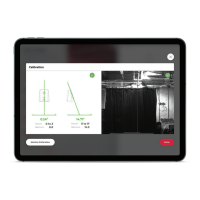
See Pairing the RCE and Diamond App (Page 9) and Calibration (Page 11) section of user manual.
Select a player and session to begin.
�
Once the main play screen loads, you can throw a pitch and data will start recording.�
Starting a Session:
Session Types:
Pitching:
Certified Assessment: 15-pitch scripted session to analyze and evaluate each athlete. Must throw a
fastball as base pitch, 5 pitches maximum. Will receive overall score of session and individual pitch
scores once synced to cloud.
After adding your player roster in Diamond App or cloud.rapsodo.com (See Page 2), continue
with the following.


 To Next Page