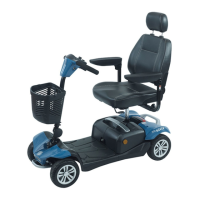
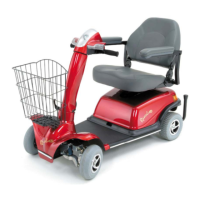
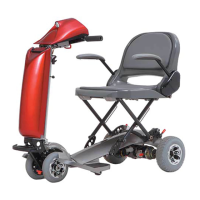
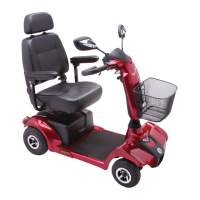
Warning! Read this before driving the
vehicle!
Whether or not this is your first mobility
vehicle, please read these guidelines as
vehicles
differ. Failure to do this may cause
injury/ damage to you, a third party or the
vehicle.
1. Before you set out, do check the weather fore-
cast. We suggest
that you make sure you are
wearing suitable clothing, whether your journey
long or short.
2. Range. Your scooter has a limited range.
Always ens
ure that your planned journey does not
exceed the maximum range in the Technical
Specification Sheets and that your battery is fully
charged.
3. If you are taking medication check with your
doctor or physician that your ability to control the
vehicle will not be impaired and do not drink
alcohol and drive.
Before using the scooter you should make
that:
Fold-lock mechanism is engaged.
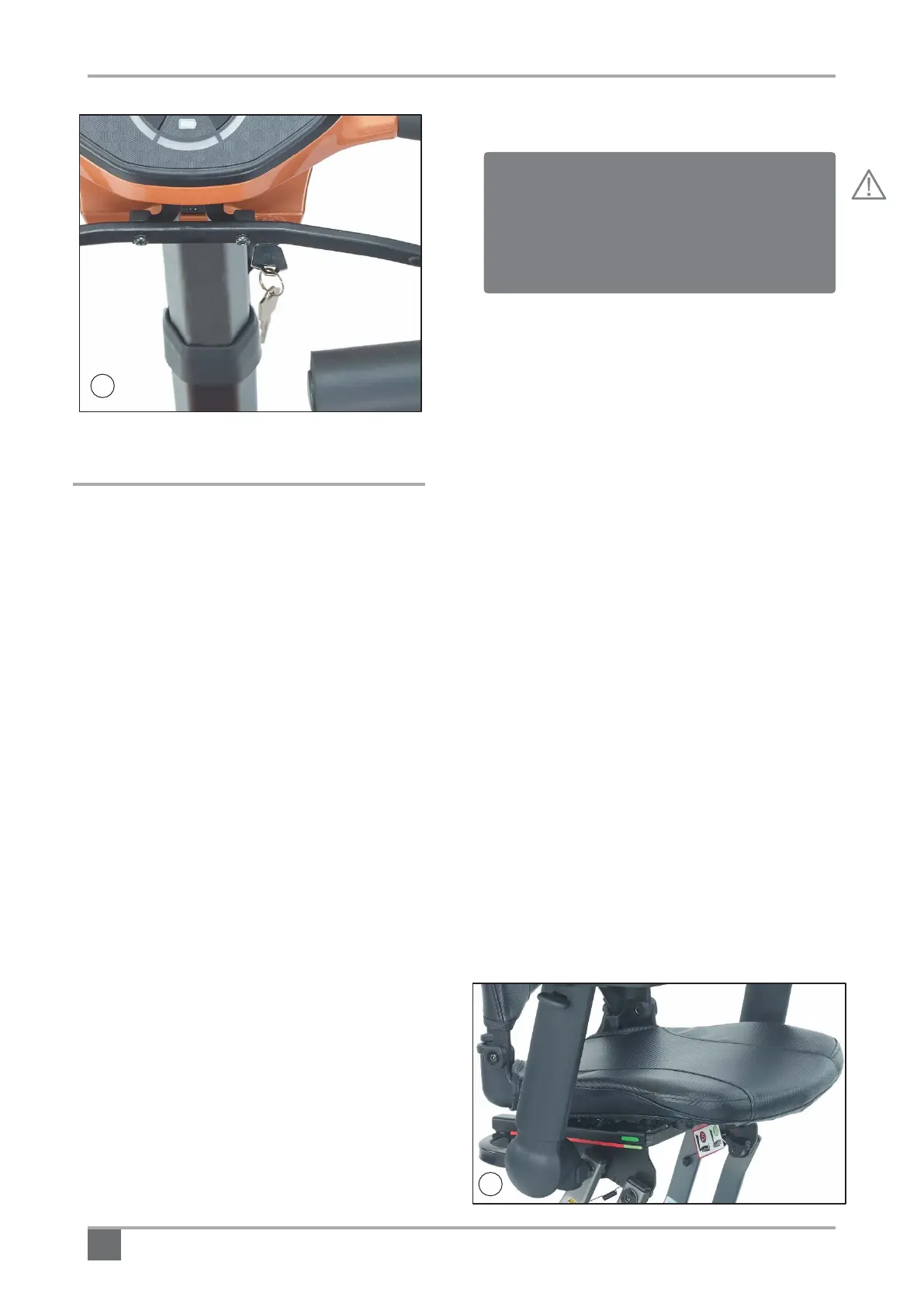
Tiller is secured at a comfortable height.
Freewheel lever in ‘Drive’ position
eat is in the forward and in locked position.
Armrests are secured and at a suitable height.
Seat-back is in the upright position.
4. Only use the vehicle for the purpose for the
intended use
. Do not drive through standing
water or on slippery/loose surfaces; do not
transport more than one person; do not tow other
vehicles or carry excess weight. Do not drive in
heavy rain.
5. Check that the freewheel lever is not in the
freewheel position / mode.
6. Check the battery charger is disconnected.
Kerbs and Obstacles: Try to avoid taking the
scooter over obstacles or kerbs. Tackle
obstacles head on.
Bad Weather: We suggest that it is better to stay
at home in bad weather. Remember that you can
become wet and cold. Suitable clothes should
always be worn. A high visibility jacket should be
considered if you are in poor visibility.
Remember not to use th
e scooter in poor light or
darkness.
7. Check the seat backrest is upright.
12
8. Check the lower seat is locked in position.
The green label should align to the green
indicator on the seat base (Fig.17).
Rascal Smilie Scooter Owner’s Manual and Service Record



 To Next Page