Page 6 of 18
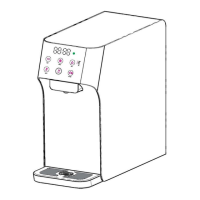
Touch Panel (Operation User Interface)
Description of button functions
1). - Hot Water Dispensing Button (Red & White lights); used to start dispensing
of Hot water.
* light will turn red when the machine is heating and turn back white when
heating is finished.
* light will remain red during dispensing of hot water. Press any Button to
stop dispensing.
2). -Clock/Timer (White light): used to display time and settings data.
3). - Cold Water Dispensing Button (Blue & White lights); used to start
dispensing of Cold water.
* light will turn blue when the machine is cooling and turn back white when


 To Next Page
 Loading...