15
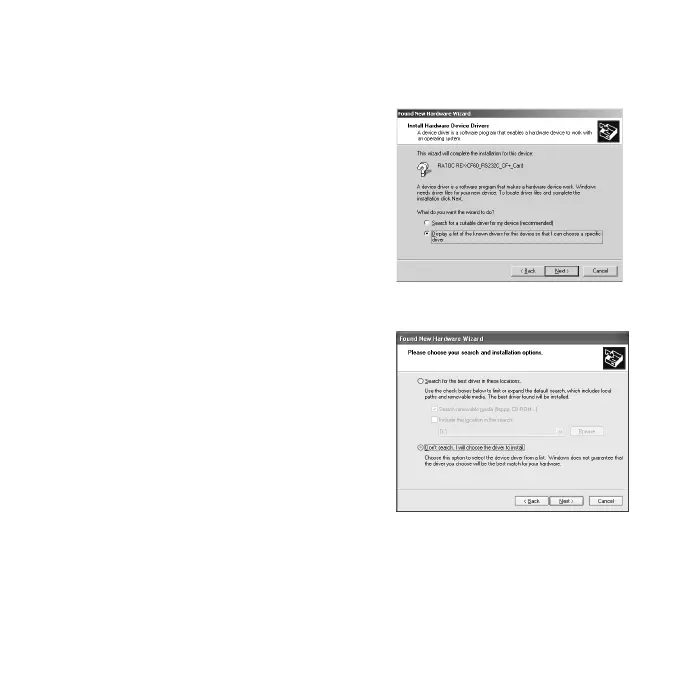
2)The following screen will appear.
If you are a Windows 2000 user,
Select the [Display a list of the known
drivers for this device so that I can
choose a specific driver] option and
click [Next].
If you are a Windows XP user,
select [Don’t search. I will choose the
driver to install] option and click
[Next].


 To Next Page