Current wattage/ Wattage meter
0,1,2,3,4,5 Displays the current pedal assisted
mode
Using the display for USB charging and the plug
symbol will appear on the display.
Shows the distance of a single trip. Data is auto-
matically cleared when the bike is powered off.
Speedometer units (KPH or MPH)
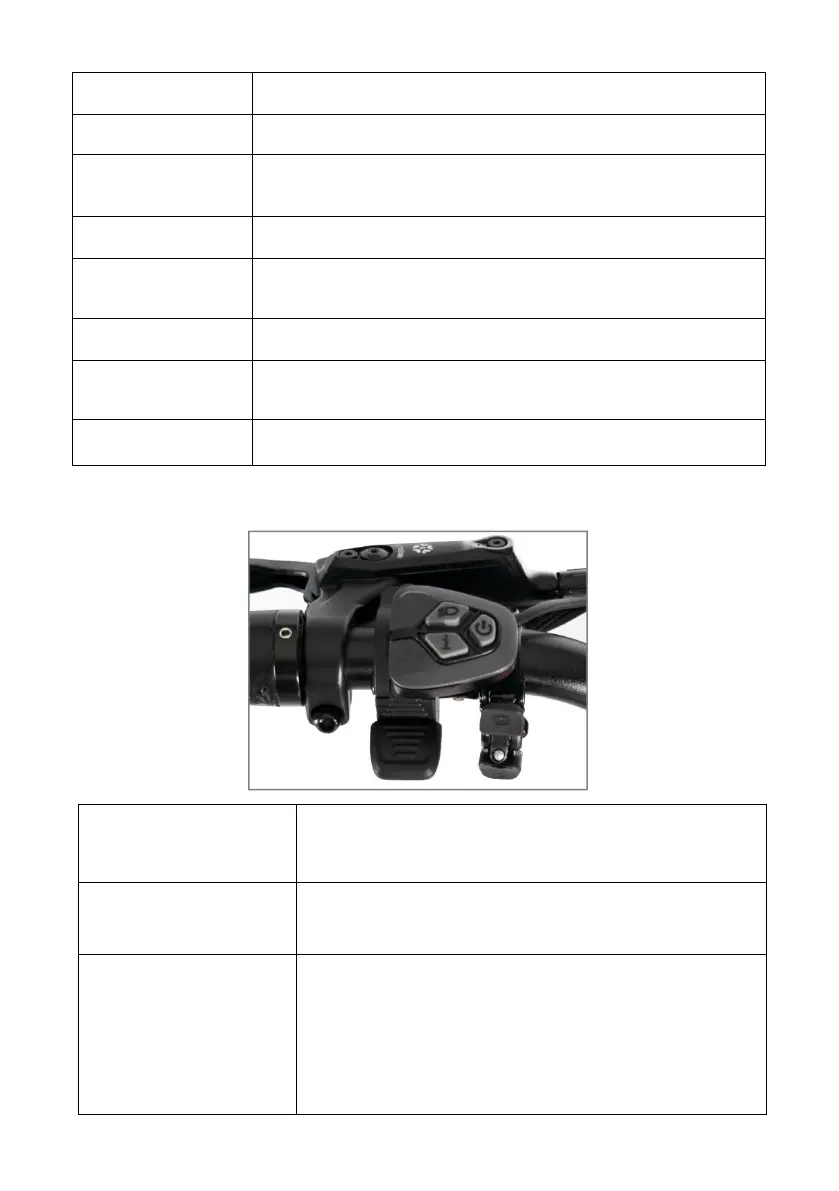
Press and hold the button constantly till the
display is on / off.
Increase/Decrease
the PAS Level
Press "+" or "-" button to increase or
decrease the PAS Level
Switch different
display surface
Press "i" button to switch different display
surface, including "Trip(single trip mileage)",
"ODO(total mileage)", "MAX(maximum
speed)", "AVG(average speed)" and "Time
(total riding time)"


 To Next Page