BLADE
GAMING USB
KEYBOARD
12
EN
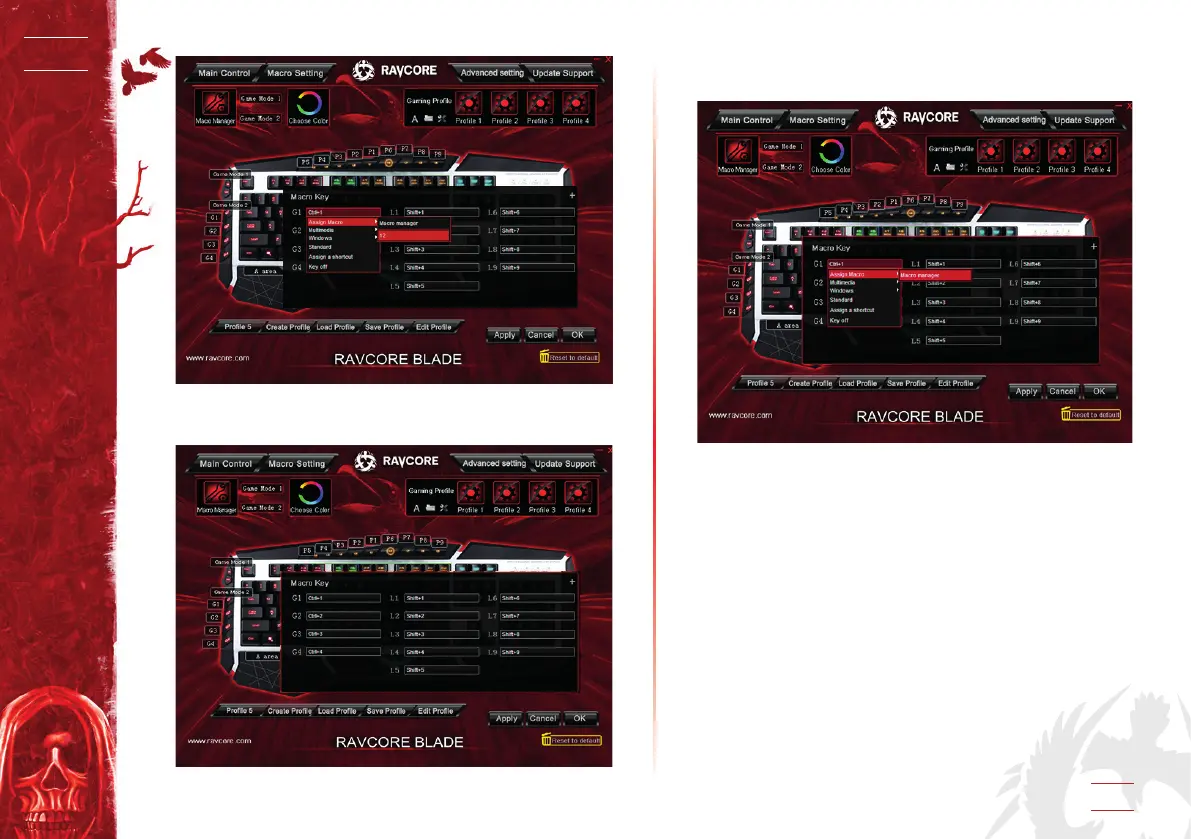
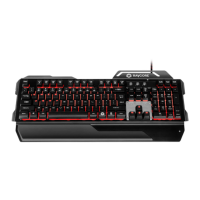
2.2 Create a macro method 2
1. Click Macro Setting.
2. Click dialog of the Macro key, there will be a pop-up menu,
select ”Macro manager”.
3. Click “New” to create a macro, and name it and press enter.
4. Select the created macro, selected loop times and automatic
delay if need in the macro editor on the right side, then click
“Start record”, input keys you need to dene, then click “Stop
Record”, click “OK”, at last click “Apply”.


 To Next Page