Calibration: Calibration Wizard 19
CALIBRATION
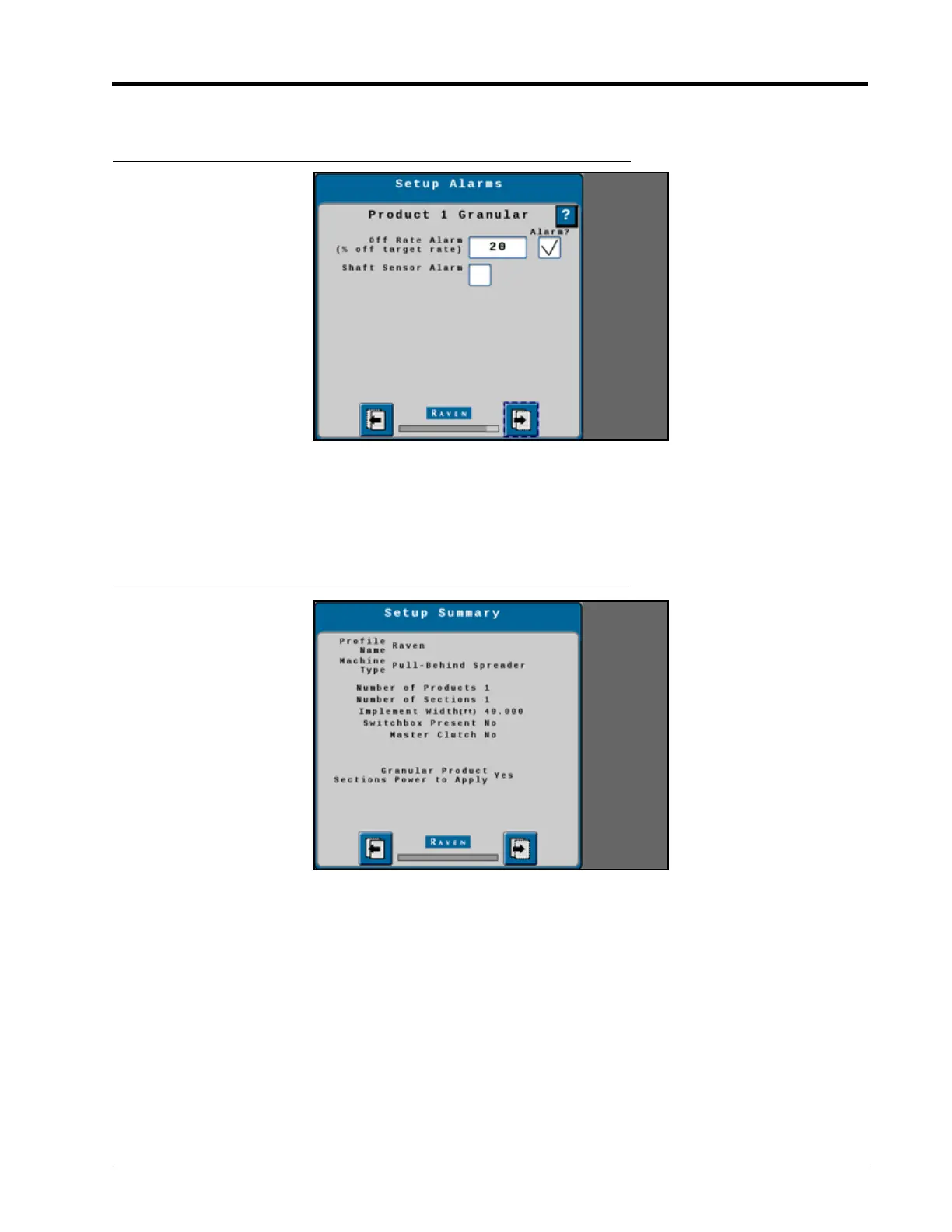
53.Select the Next button in the lower, right corner of the page to proceed.
FIGURE 18. Setup Alarms
54.Review the Setup Summary.
55.Select the Next button in the lower, right corner of the page to complete the profile setup.
NOTE: Select the Back button in the lower, left corner of the page to return to the previous page if needed.
FIGURE 19. Setup Summary



 To Next Page
 Loading...


