IMPORTANT:
Make sure the video player, camcorder, camera, MP3 or MP4 player has
the TV out enabled and/or turned on. Consult the video player iPhone, or
phone user manual for instructions on enabling the TV output
Typically the TV out will be found in the SETTINGS or TOOLS menu.
For Example:
Put iPOD in Video Menu and select Video Setting
TV Out On
TV Signal NTSC
Widescreen Off
When the
Ray
is turned on (power light flashing) and the video player is
turned on and connected to the
Ray,
point the projector at a desired area
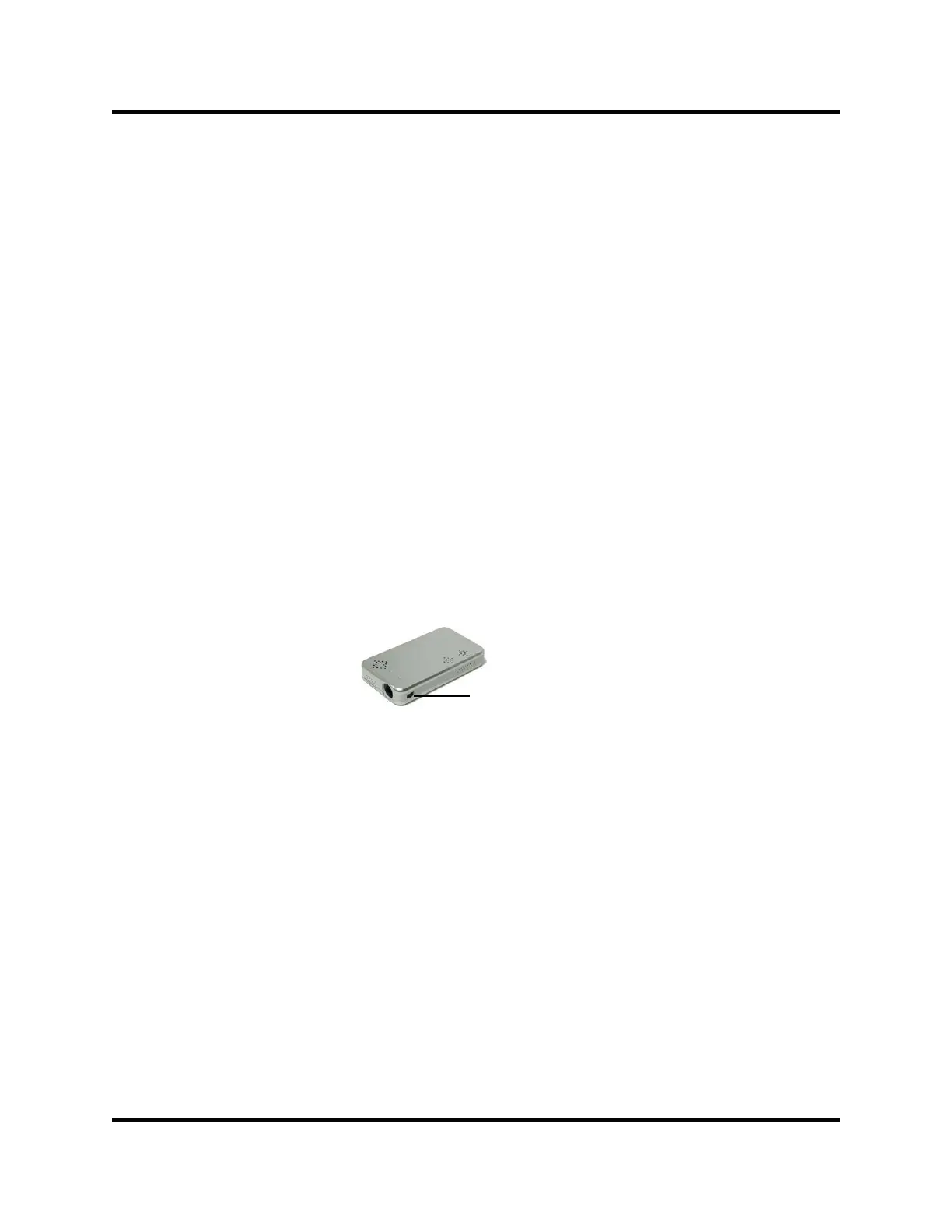
for image projection. Rotate the FOCUS thumb wheel located on the side
of
Ray
to adjust the focus of the image.
Audio:
Ray speakers are controlled by the video player. Volume control for the
speakers is located on the video player. To regulate the Ray’s volume, use
Focus
7


 To Next Page