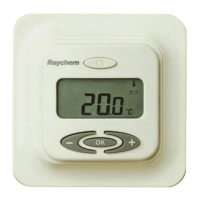
4
2. Navigation principle
Only 4 buttons are used to navigate, highlighted with bold above
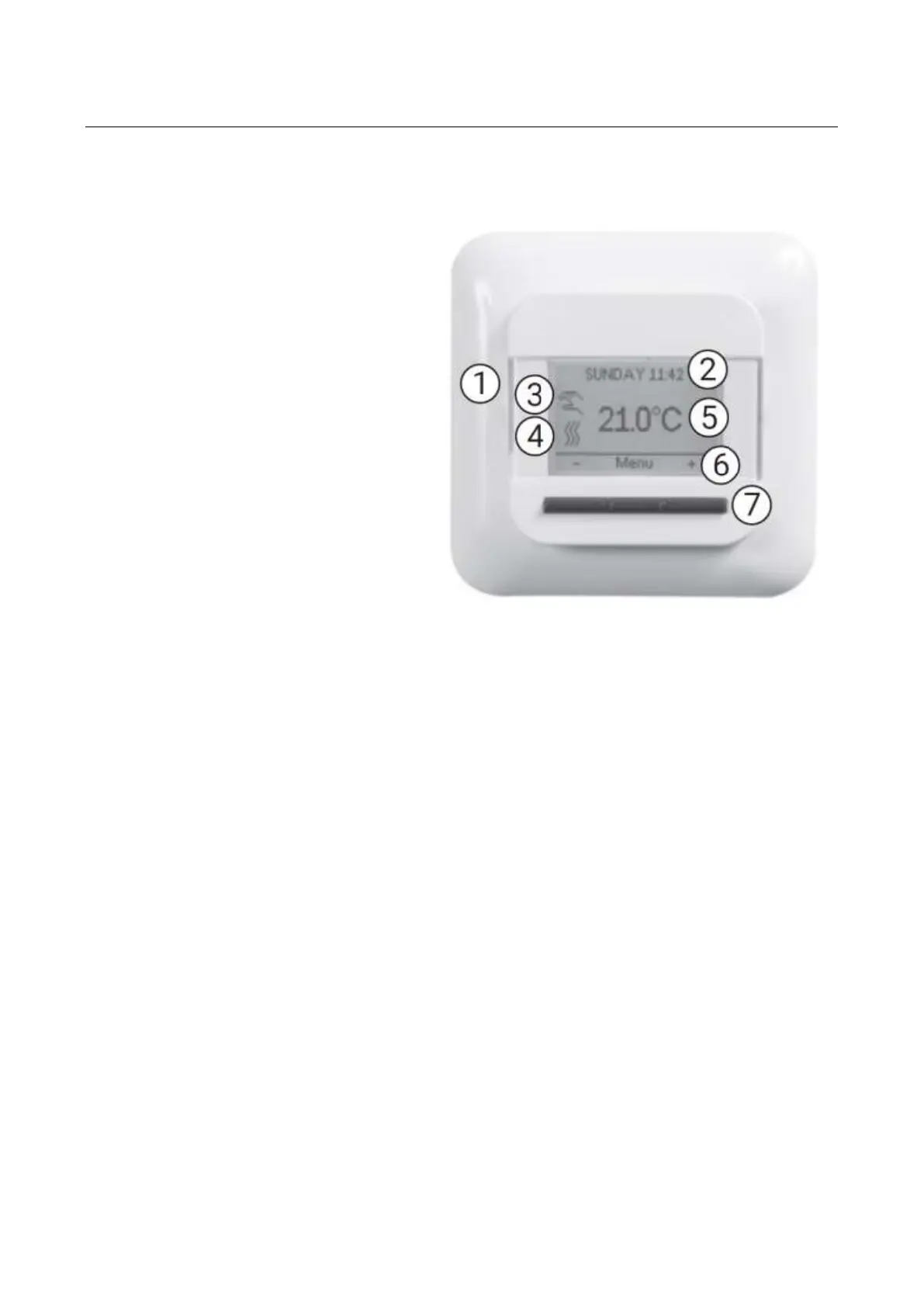
Use the button (7) in order to execute the command (6).
In the example on figure 1:
The Left and Right buttons (7) are used to select ”-” or ”+”.
This means that you can change the set temperature with 0,5 °C by using these buttons (7).
The Middle button (7) shows ”Menu” or “Select”.
This means that you can enter the Menu by using this button (7).
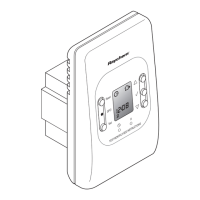
1. On/off switch
2. Day and time
3. Working Mode
4. Heating symbol
5. Display temperature
6. Three commands
7. Three buttons


 To Next Page